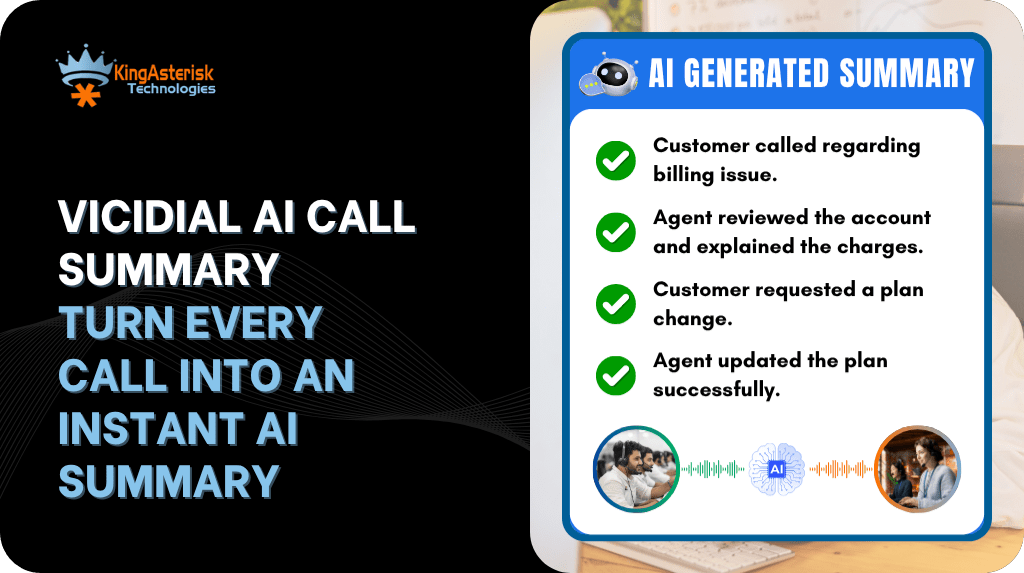
A VICIdial AI call summary layer solves a problem: it takes the recording VICIdial already produces and turns it into a short written recap that sits next to the lead, without changing how agents dial or how campaigns are built.
A supervisor running an outbound campaign with a few hundred leads a day does not have time to sit through every recorded call. Agents move from one conversation to the next, notes get shorter as a shift wears on, and by the time a lead needs a follow-up call, nobody quite remembers what was actually said the first time.
This guide walks through what that setup looks like in practice, how it fits into a VICIdial and Asterisk install, and where it runs into the same kind of configuration and data questions that come up with any custom addition to a dialer.
What is the purpose of VICIdial
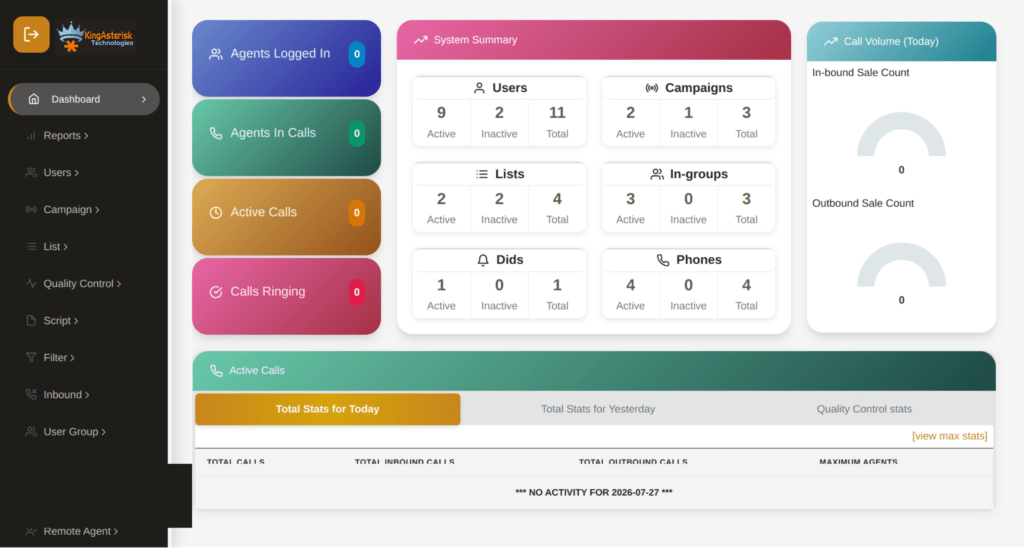
VICIdial is an open source contact center platform built on Asterisk. It handles outbound dialing (predictive, progressive, or manual), inbound queues, campaign management, agent screens, and reporting, and it stores everything in a MySQL or MariaDB backend. A campaign like US_SOLAR ties together a lead list, a set of dial rules, and a group of agents; the hopper pulls leads from the list, Asterisk originates the call, and the agent’s screen updates once a call connects.
Because the whole system is open, teams add their own layers on top of it all the time, whether that is a custom lead field, a webhook into a CRM, or, in this case, a summary written back into the lead record after each call ends.
Why call summaries matter as campaigns scale
A single agent handling calls all day generates dozens of recordings. Multiply that across five, ten, or fifty agents, and a supervisor reviewing conversations for quality or compliance is choosing between listening to a small sample and missing everything else, or falling permanently behind.
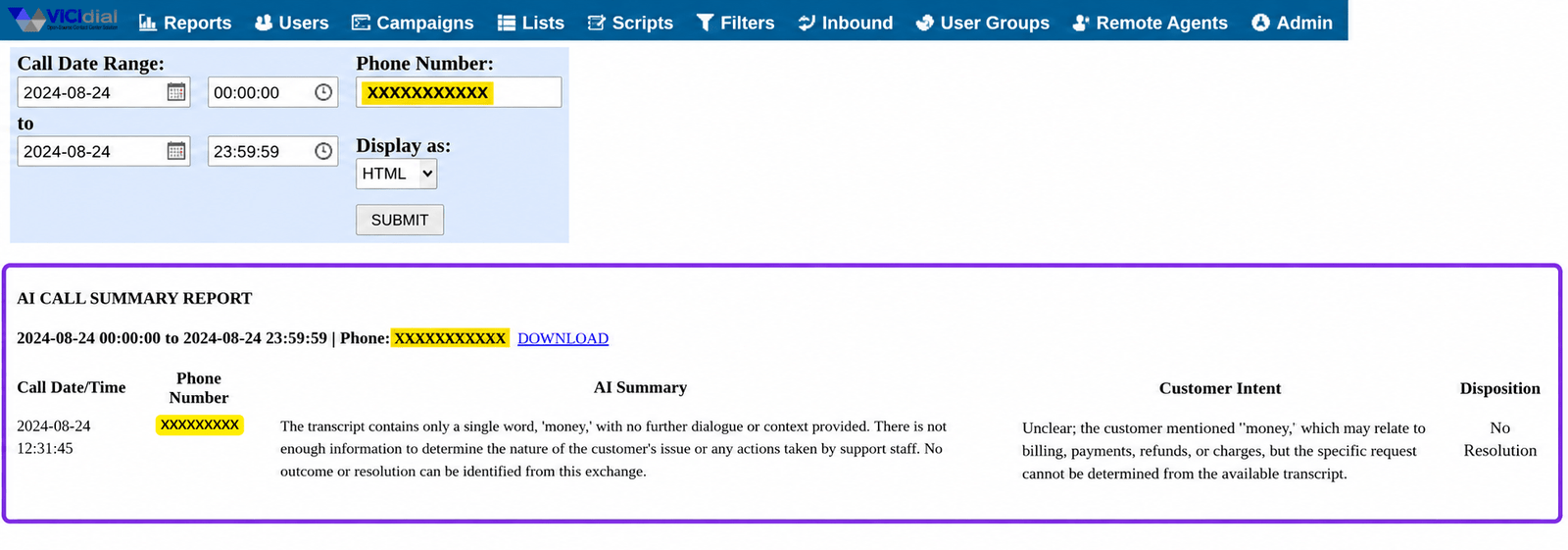
A written summary attached to each lead gives a supervisor something they can scan in a few seconds, and it gives the next agent who picks up that lead a starting point instead of a blank slate.
It also helps close the loop on details that live only inside the conversation itself: a customer’s stated preference, an objection raised, or a date they asked to be called back. Right now, that information exists only as audio unless someone writes it down.
How a VICIdial AI call summary pipeline actually works
The pieces already exist in a standard VICIdial and Asterisk install. Adding a summary layer means connecting them rather than replacing them.
Asterisk records the call, typically through MixMonitor, and writes the audio file to the recording path defined in the campaign. VICIdial logs the call metadata separately: lead ID, campaign, start and end time, length in seconds, and the termination reason, in tables such as vicidial_log and vicidial_close_call_log. Neither of those steps needs to change.
What gets added is a small process that watches for newly closed calls, either by polling those log tables on an interval or by triggering off the agent’s disposition event. When a call closes, that process picks up the matching recording file, sends it to a transcription and summarization service, and waits for a short text summary back.
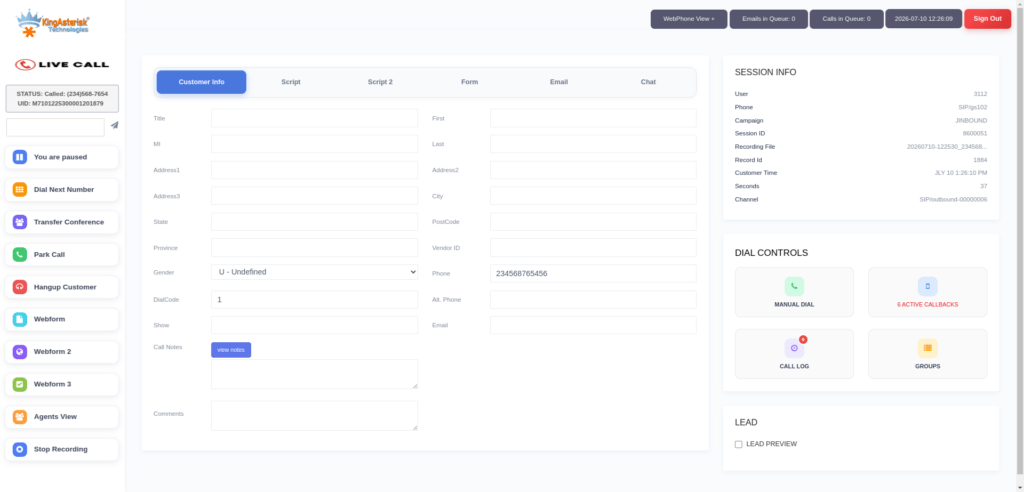
That summary is then written into a custom lead field, so it shows up on the same lead screen an agent already uses, right next to the phone number and disposition history.
None of this touches the SIP trunk, the PJSIP configuration, or the dial plan. The summary layer sits alongside the call flow and reads from it after the fact, which keeps it low risk to add to a live campaign
Setting up an AI call summary layer on your VICIdial install
A rollout that avoids disrupting live campaigns usually follows this order.
- Confirm the database schema version matches your VICIdial release and that lead import and dialing are both working normally before adding a new dependency on top.
- Add a custom lead field for the summary text so it renders on the standard lead view without a separate screen.
- Build a script that watches vicidial_log or vicidial_close_call_log for calls that have just closed, keyed by lead ID and call date.
- Route the matching recording to a transcription and summarization endpoint of your choice.
- Write the returned summary back to the lead record with a scheduled database update.
- Pilot on a single campaign with a small agent group before turning it on everywhere.
How to monitor calls on VICIdial
VICIdial’s built-in monitoring covers a different need: watching a call as it happens. From the admin or supervisor screen, a manager can listen in on a live agent, whisper coaching to the agent without the customer hearing, or barge in and join the conversation directly. The live agent screen shows each agent’s current status and campaign in real time, which is where a supervisor decides who to monitor next.
A call summary does not replace that. It picks up after the call ends, giving a supervisor a written record to check without needing to have been listening at the time. Teams that use both together tend to reserve live monitoring for coaching in the moment and use summaries for after-the-fact review and lead handoffs.
Is AI calling illegal?
Summarizing a call is not illegal on its own, but it inherits the same rules that already apply to recording the call in the first place. Many places require some form of consent before a conversation is recorded, and that requirement does not disappear because the recording is later summarized rather than played back in full.
Some jurisdictions require both parties to agree to recording, others only require one party to know, and outbound campaigns calling across state or country lines can be subject to more than one set of rules at once.
A campaign like US_SOLAR calling into the USA, for example, sits under different disclosure requirements than a domestic US campaign would. Before adding any summarization step, it is worth checking recording consent rules for every region a campaign touches, disclosing the recording to customers as required, and confirming with legal counsel how long summaries and recordings can be retained.
What to look for in AI call summary services for virtual receptionists
Virtual receptionist services and stand-alone summarization tools vary quite a bit in how well they actually fit onto an existing dialer. A few things are worth checking before picking one.
- Accuracy on real call audio, including accents, background noise, and crosstalk, not just clean sample recordings.
- A plain API or webhook interface, so it can plug into a script rather than requiring agents to change screens.
- Clear data retention and deletion policies for both the audio and the resulting text.
- Reasonable turnaround time between a call ending and a summary being available.
- Per-minute or per-call pricing that scales sensibly with actual call volume.
Services built specifically for virtual receptionists are often tuned for short, single-topic calls. An outbound sales or collections conversation runs longer and covers more ground, so it is worth testing any service against a handful of real recordings from your own campaigns before committing to it.
Pairing AI Asterisk tooling for a fuller setup
Some teams choose to connect a transcription or summarization tool directly to Asterisk, through AGI or ARI, rather than through VICIdial’s own lead and campaign tables. That approach can make sense for larger, multi-application Asterisk deployments where VICIdial is only one of several things running on top of the same telephony layer.
For a single-platform VICIdial setup, working through the lead and log tables, as described above, is usually the simpler path and keeps the summary logic close to the campaign data it is meant to support.
Getting a VICIdial sign up going
There is no online sign up form for VICIdial itself, since it is open source software you install on your own server rather than a subscription you activate. Getting started means either building the install yourself, following the standard Debian and Asterisk setup steps, and configuring campaigns and agents from there, or working with a provider who sets up and configures the platform for you as a project.
Either route ends at the same place: a working VICIdial instance with campaigns, agents, and a database schema you can then extend with additions like an AI call summary layer.
Frequently Asked Questions
Use the built-in supervisor screen to listen, whisper, or barge in on a live agent call, and pair that with a written summary for review after the call ends.
Look for a service with a plain API, clear data retention terms, and accuracy tested against your own longer, more varied campaign calls rather than short receptionist-style scripts.
It is an open source contact center platform for running outbound and inbound campaigns, managing agents, and dialing, built on top of Asterisk.
Yes, some teams connect summarization tools straight to Asterisk through AGI or ARI instead of through VICIdial’s tables, which suits larger multi-application deployments.
There is no subscription sign up; you either install VICIdial yourself on a Debian and Asterisk server, or have a provider set up the deployment for you.
Ready to add call summaries to your VICIdial setup
Turning recorded calls into short, useful summaries is one of the more contained additions you can make to a VICIdial install, since it works alongside the existing dialer and database rather than replacing anything.
If you want help scoping a call summary layer, checking your schema and campaign configuration first, or choosing a summarization service that fits your call volume, KingAsterisk works with VICIdial and Asterisk deployments on exactly this kind of project.