Customize Your Existing VICIdial to Match Your Workflow
Already have VICIdial but need an interface, workflow, or functionality that matches the way your team works? KingAsterisk can customize your existing VICIdial setup instead of requiring you to replace it with a new system. We can customize the Admin Theme, Agent Interface, dashboards, reports, and other workflow elements based on your requirements. Our team can also integrate VICIdial with your existing CRM and connect required data through APIs. Tell us what you want to change, and we can review your existing VICIdial setup and suggest the right customization approach.
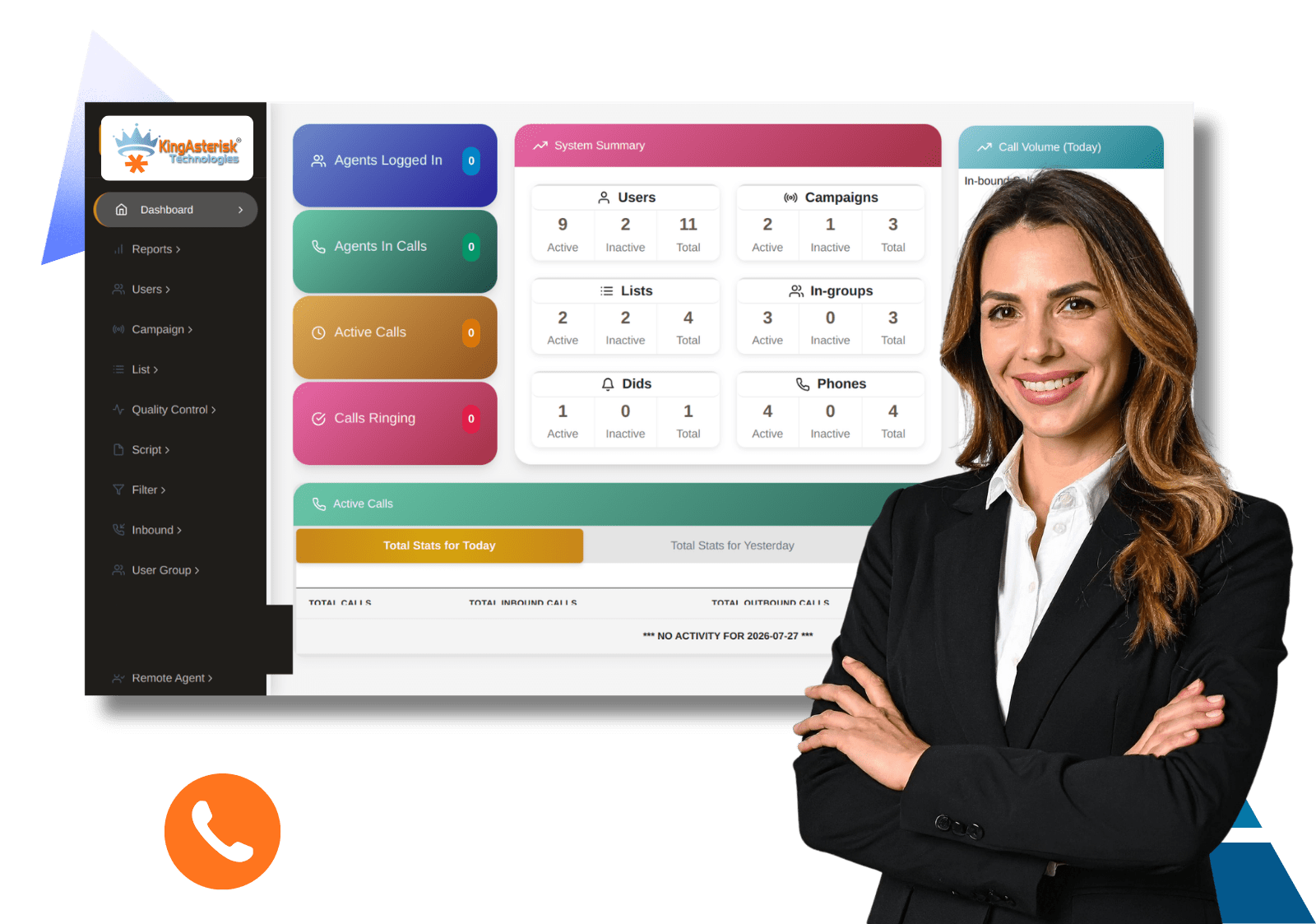
What Would You Like to Customize?
Tell us which part of your existing VICIdial setup you want to improve, change, or integrate. We customize VICIdial around your requirements.

Admin Theme Customization
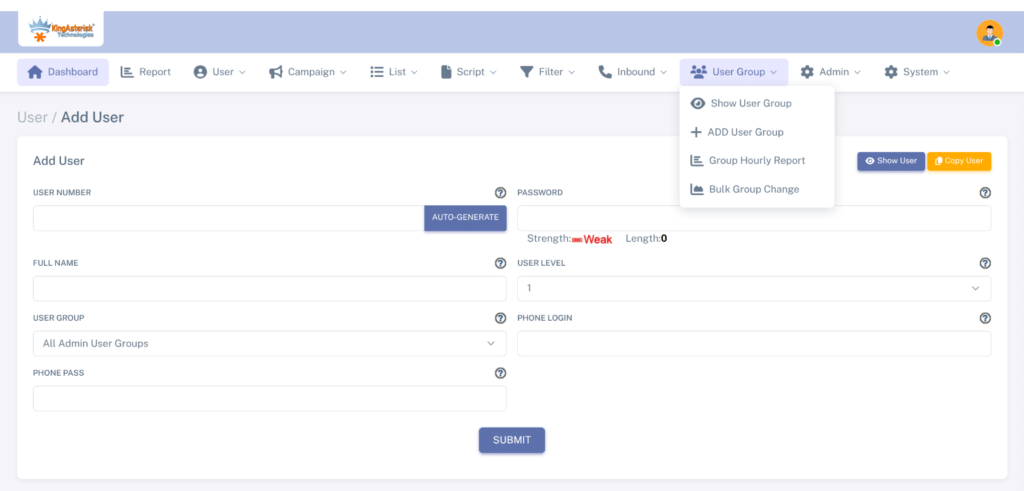
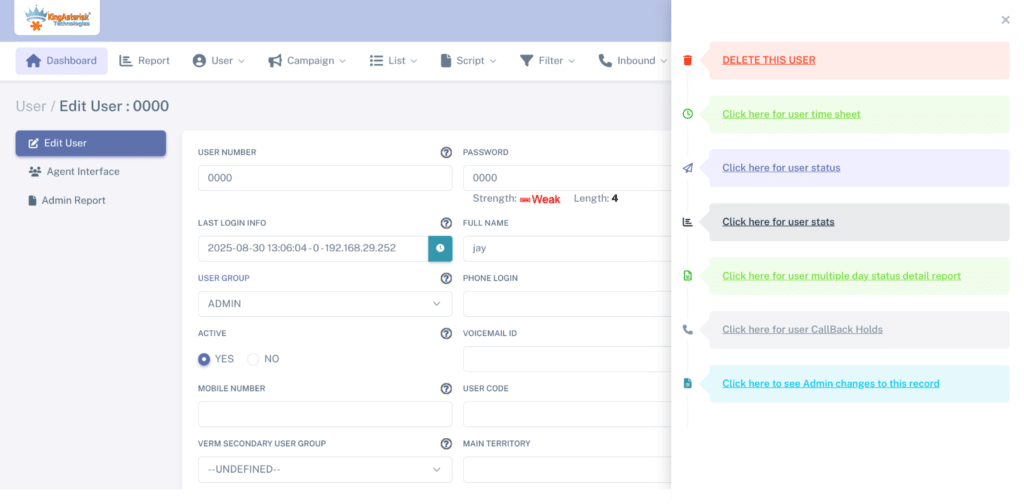
Customize the admin dashboard, menus, navigation, management screens, and overall interface to match your business workflow.

Agent Interface
Modify the agent screen, call controls, lead information, scripts, fields, and layout for a smoother agent experience.

CRM Integration
Integrate VICIdial with your existing CRM and connect customer, lead, call, and other required data through APIs.

Dashboard & Reports
Create customized dashboards and reporting views around the performance data and business metrics your team needs.

Campaign Customization
Customize campaign-related screens, settings, workflows, and agent processes based on your campaign requirements.

Forms & Fields
Add or modify forms, custom fields, dispositions, scripts, and data-entry elements required by your workflow.

Custom VICIdial Theme
Develop a customized VICIdial theme with your preferred branding, layout, navigation, and interface structure.

Custom Functionality
Build or modify VICIdial functionality when your business requires features or workflows beyond the standard setup.
A Close Look at Our VICIdial Customizations
Interface
Interface
Login
Login
Reports
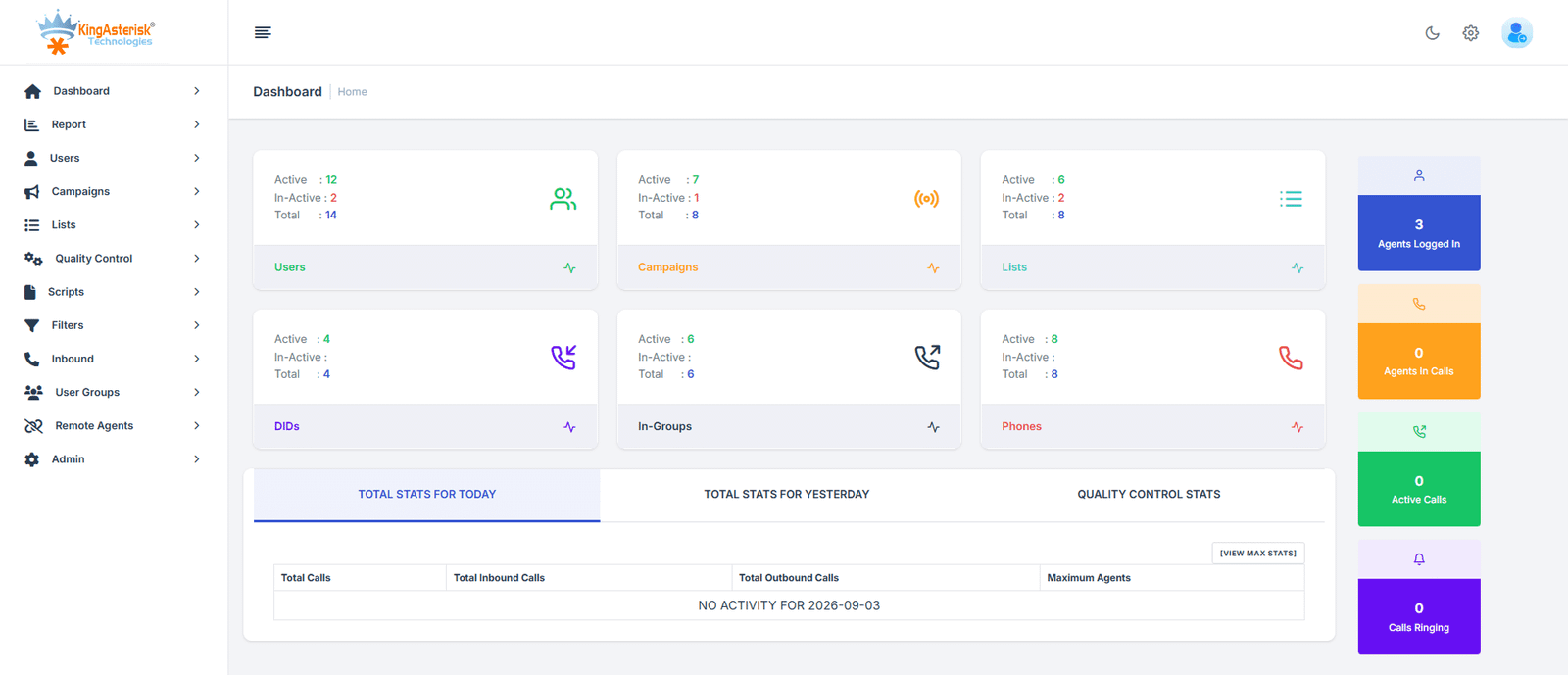
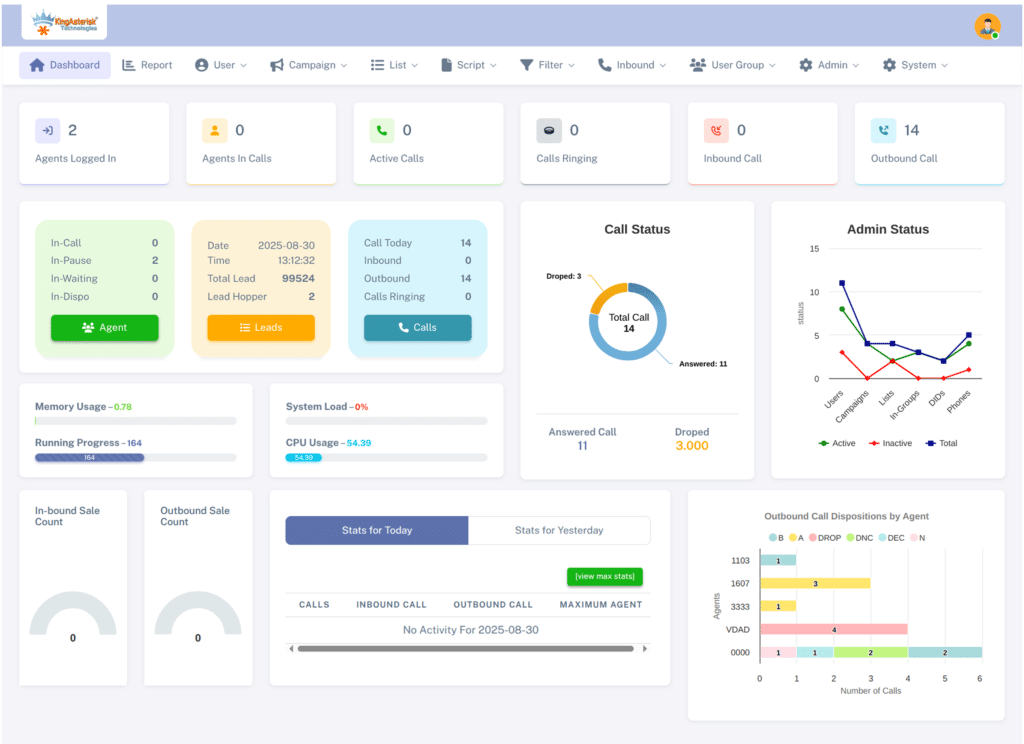
Admin Interface
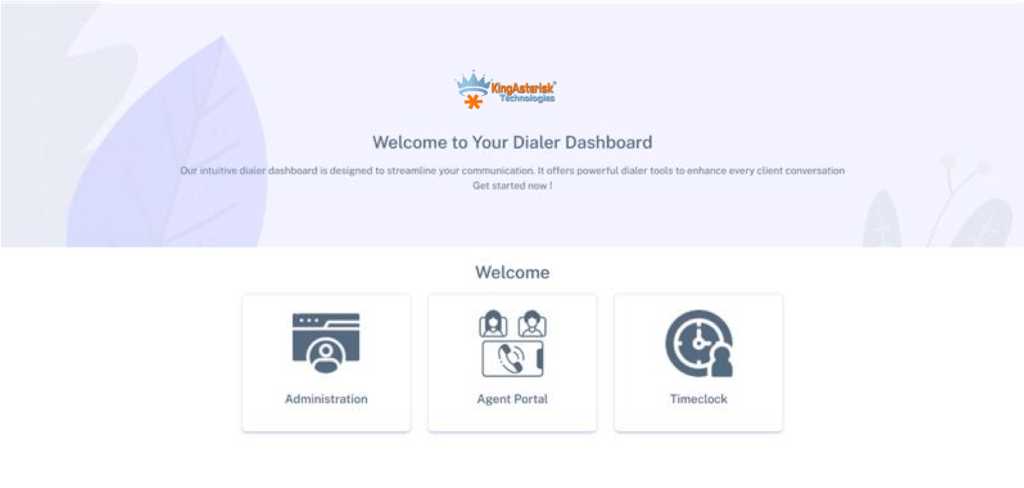
Customize your VICIdial admin screens, navigation, dashboards, and management sections around your team’s workflow.
View Admin Interface Demo →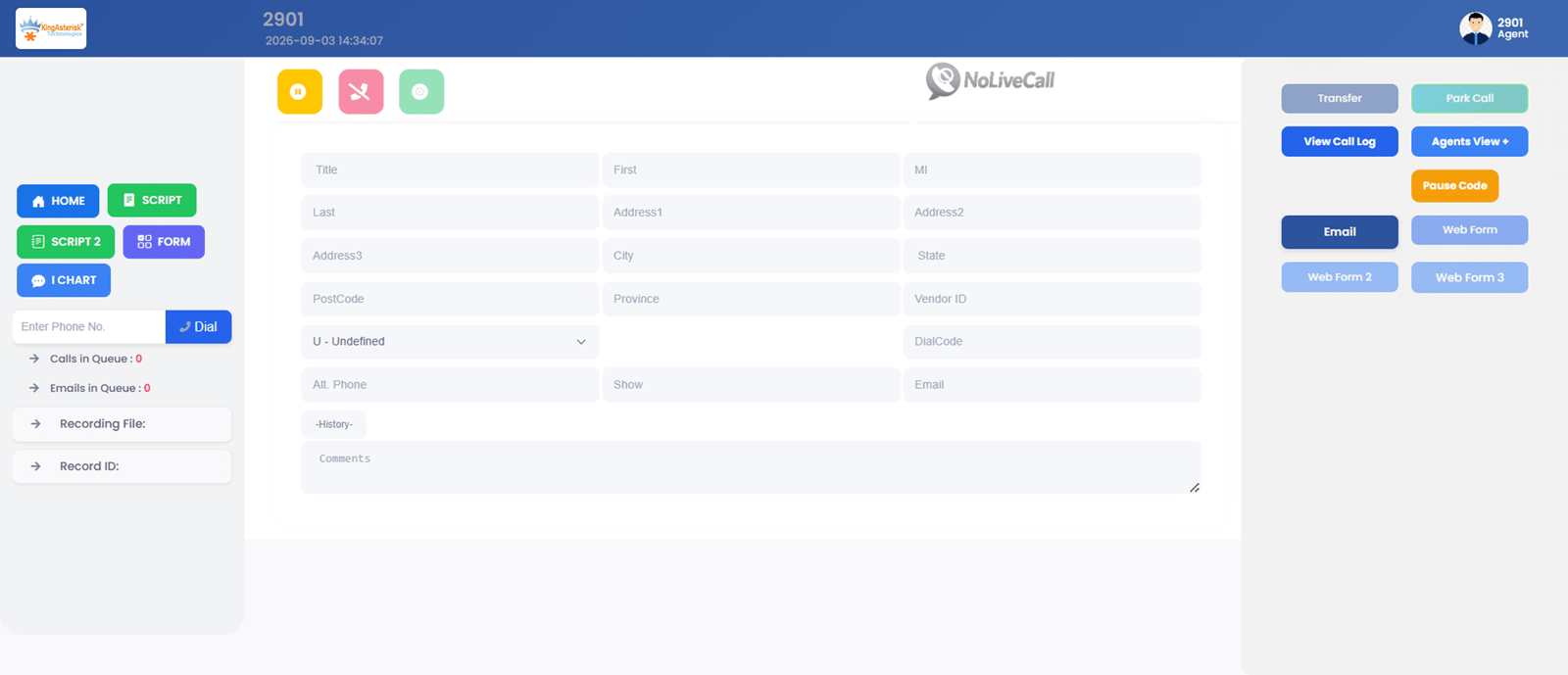
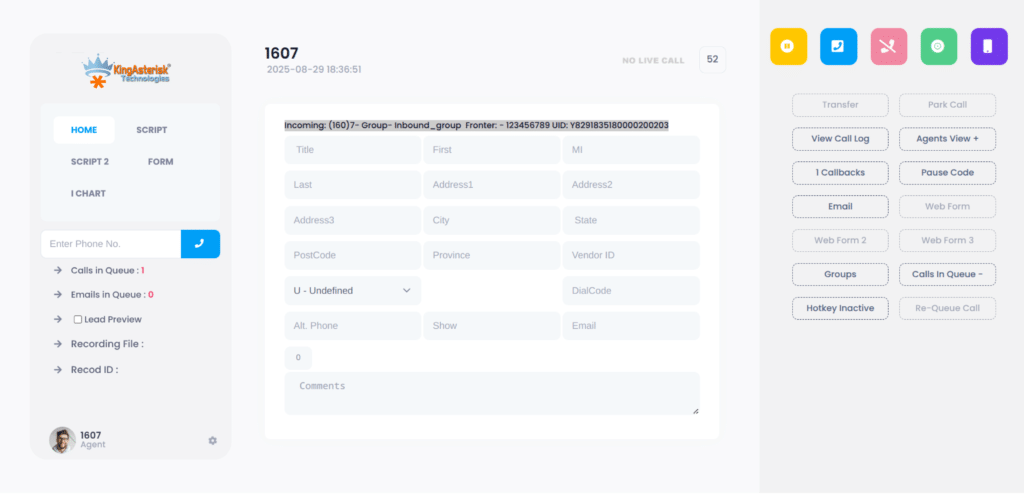
Agent Interface
Create a cleaner agent workspace with customized call controls, lead details, fields, scripts, and workflow elements.
View Agent Interface Demo →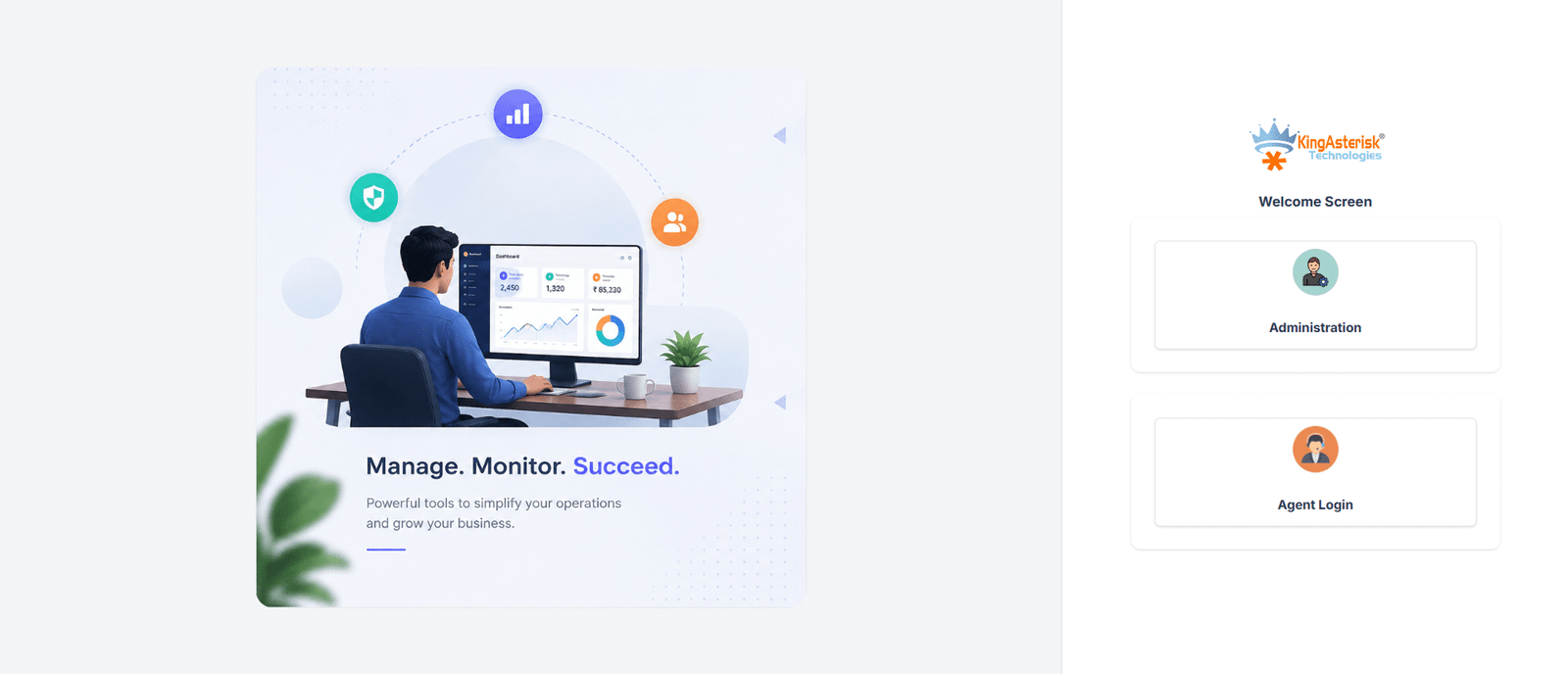
Admin Login
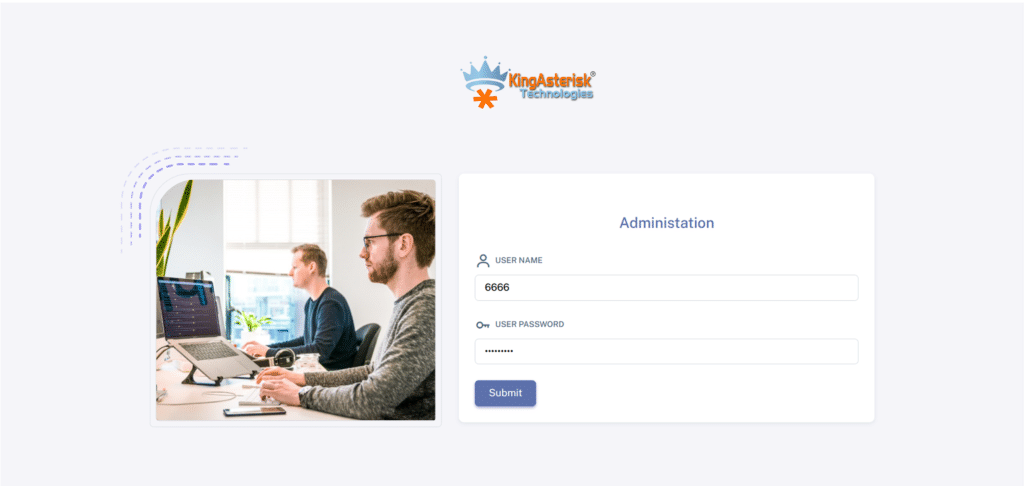
Customize the admin login experience with your branding, preferred design, and access-focused interface.
View Admin Login Demo →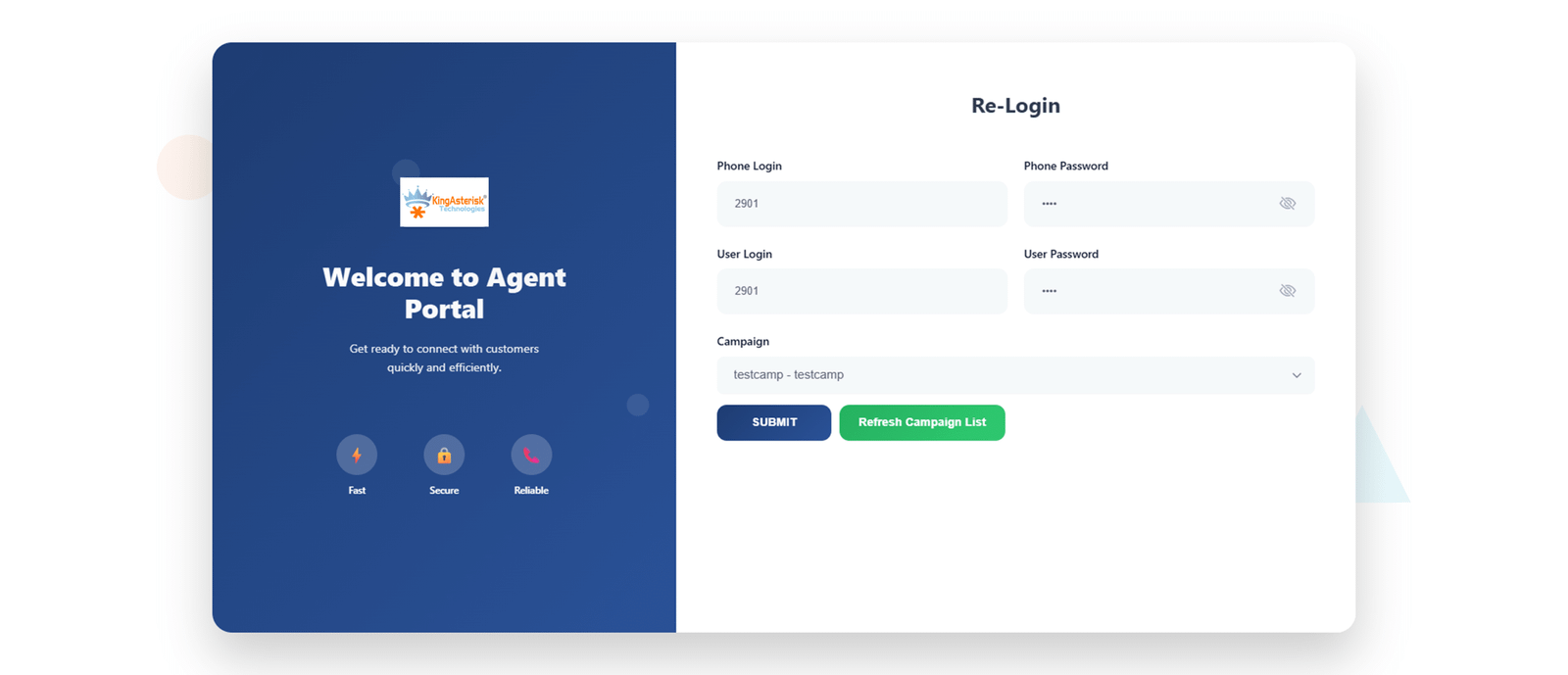
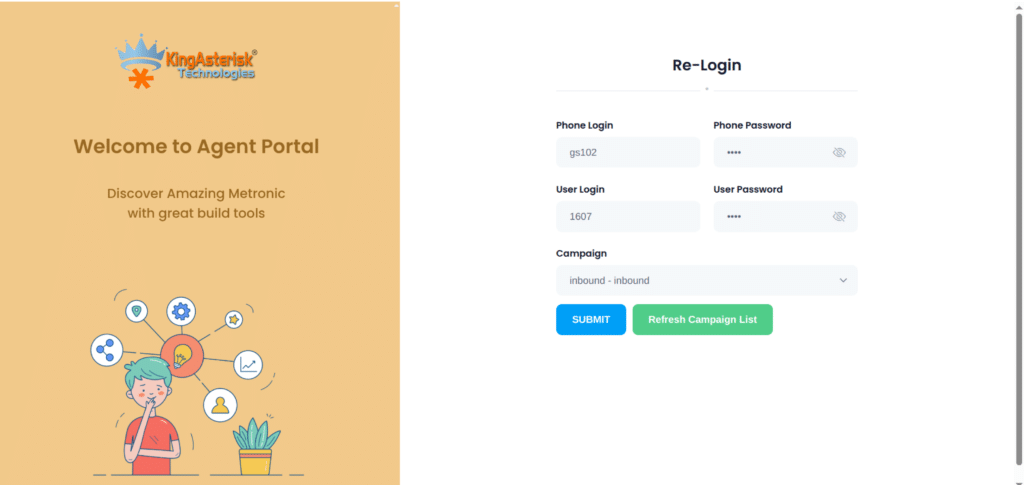
Agent Login
Give your agents a simple, branded login experience designed around your team and user requirements.
View Agent Login Demo →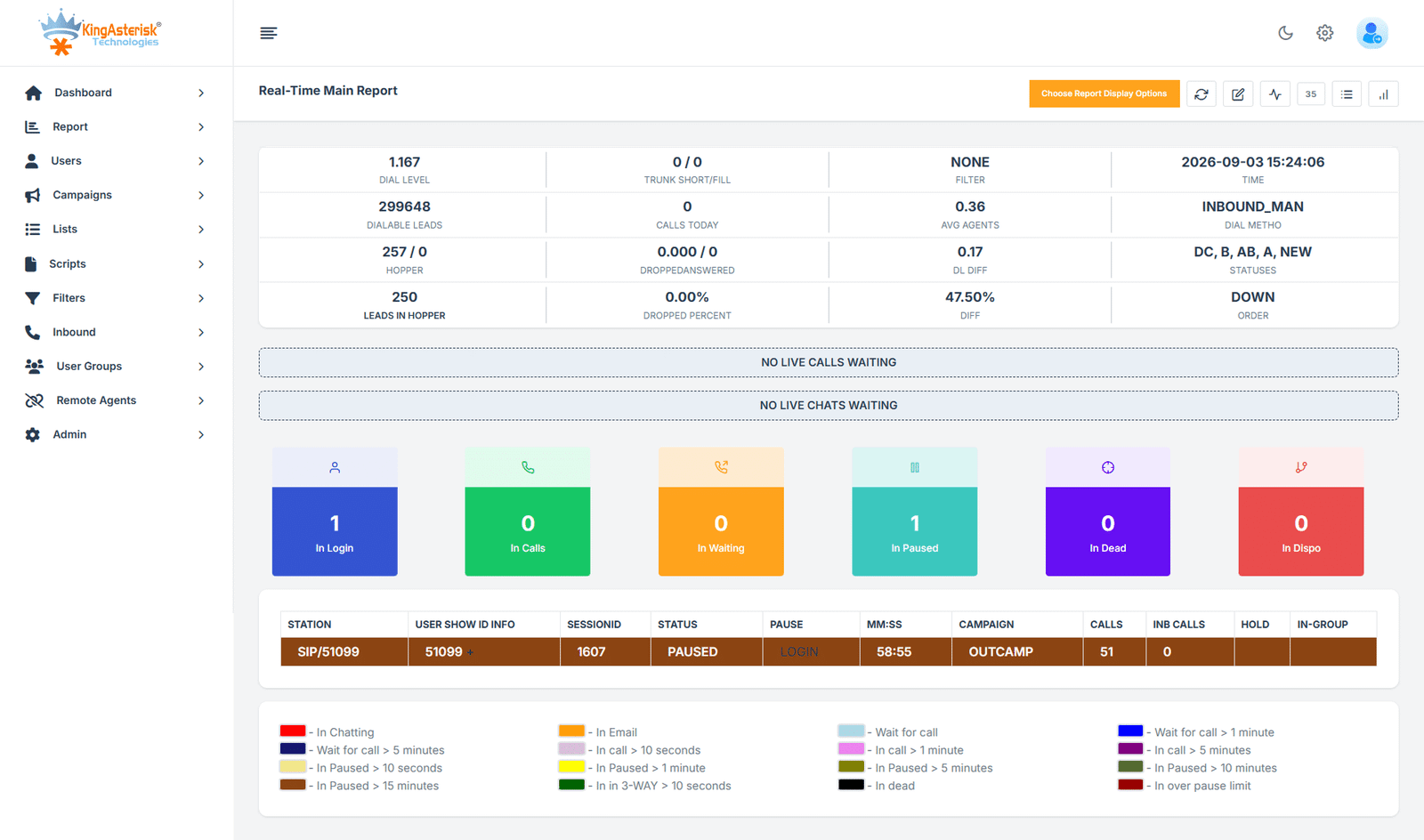
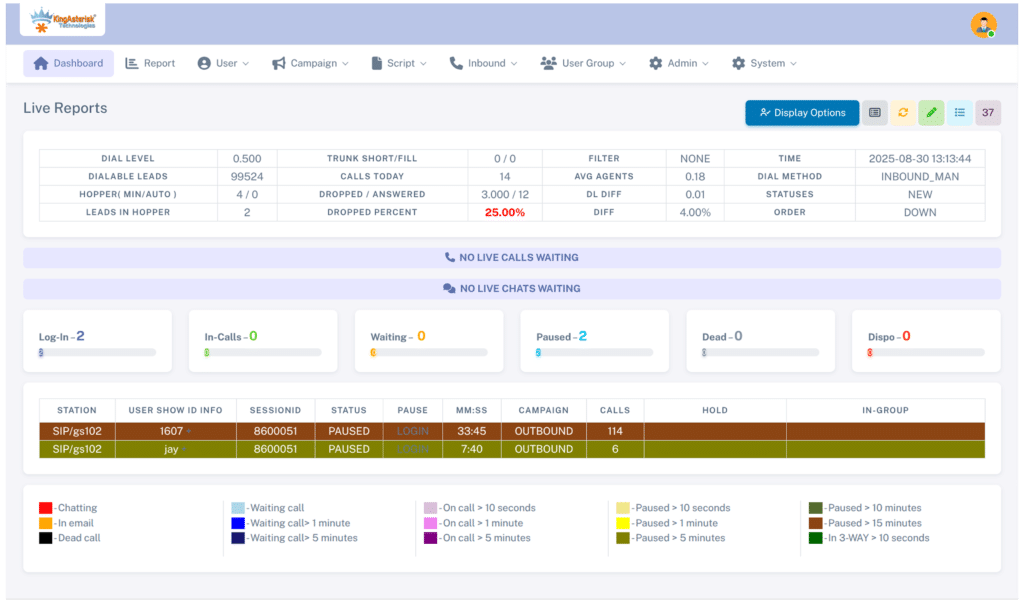
Real-Time Reports
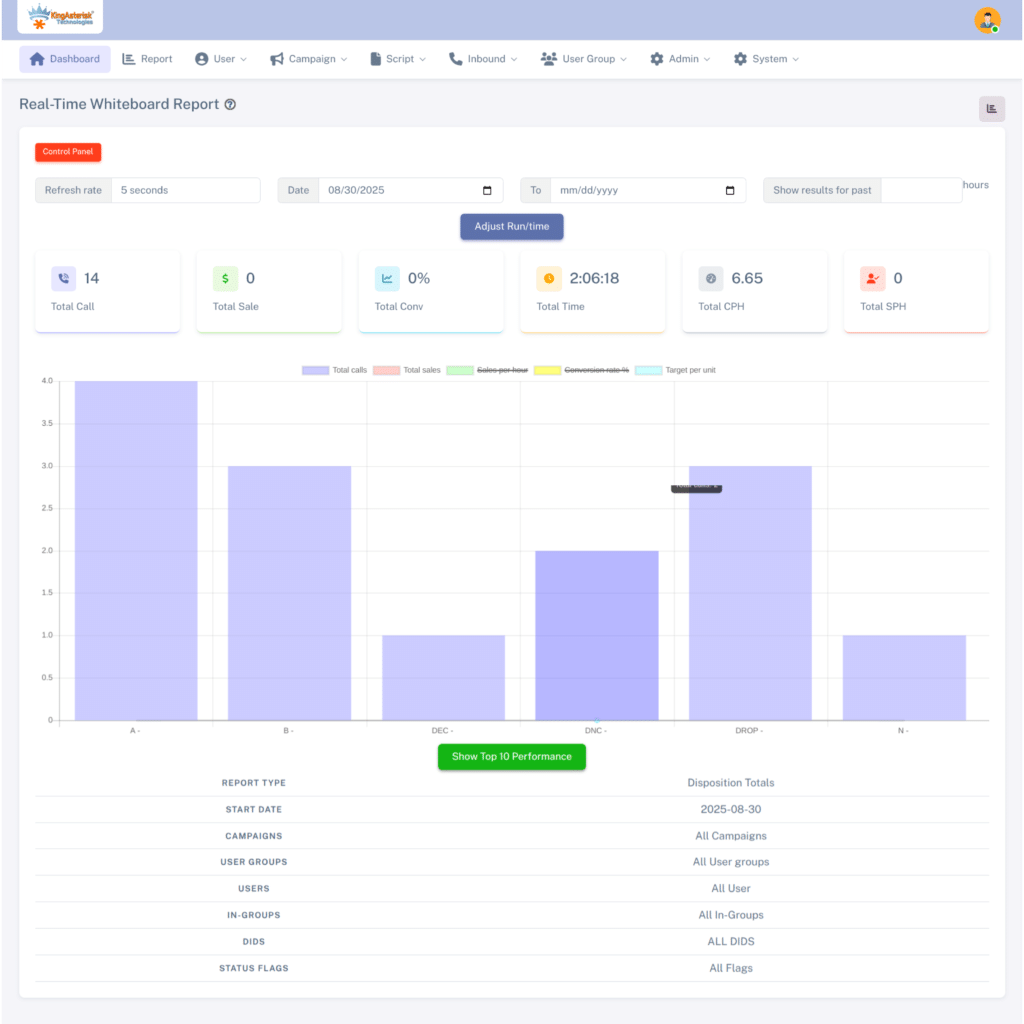
Customize real-time reporting views to display the campaign and agent information your managers need.
Real-Time Reports Demo →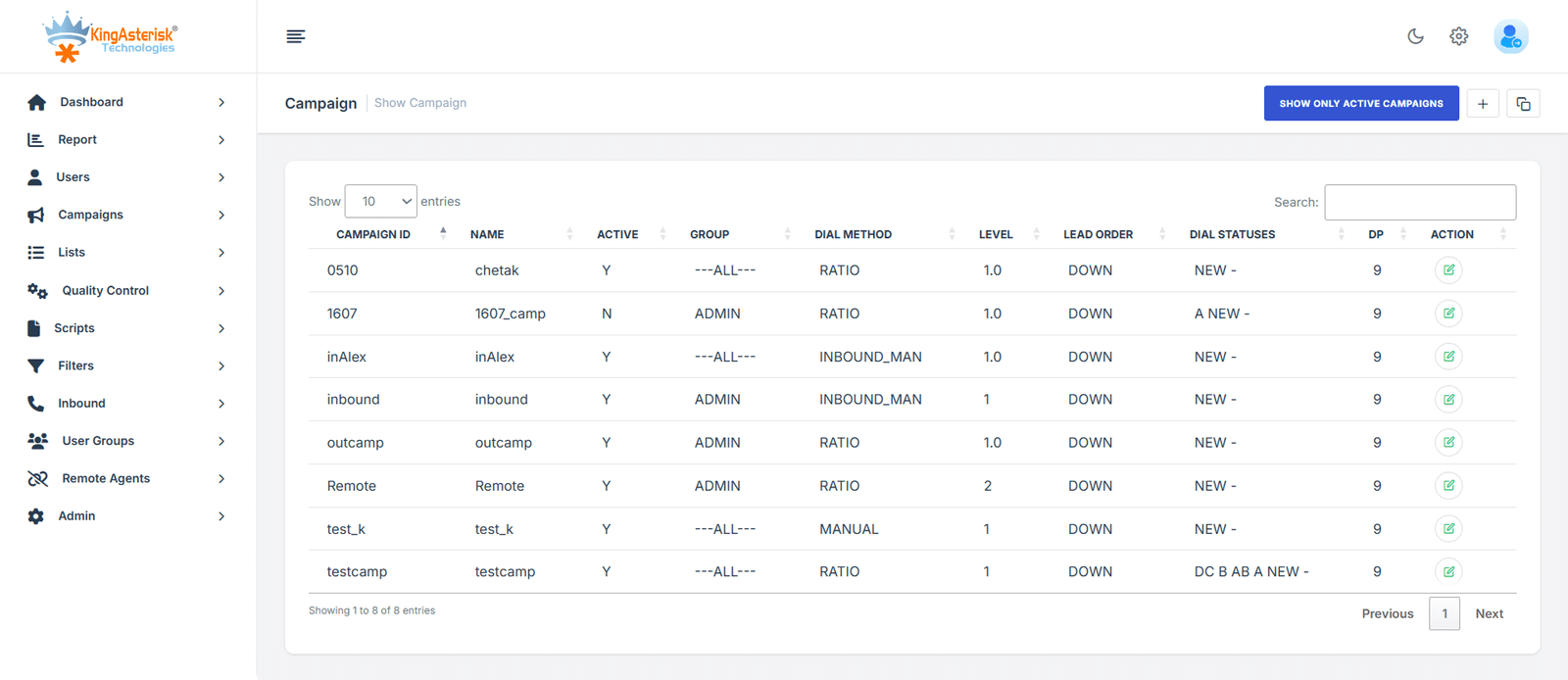
Campaign
Customize campaign screens, fields, workflows, and campaign-specific requirements to fit your calling process.
Custom Campaign Demo →Already Using VICIdial? We Can Customize It Around Your Business
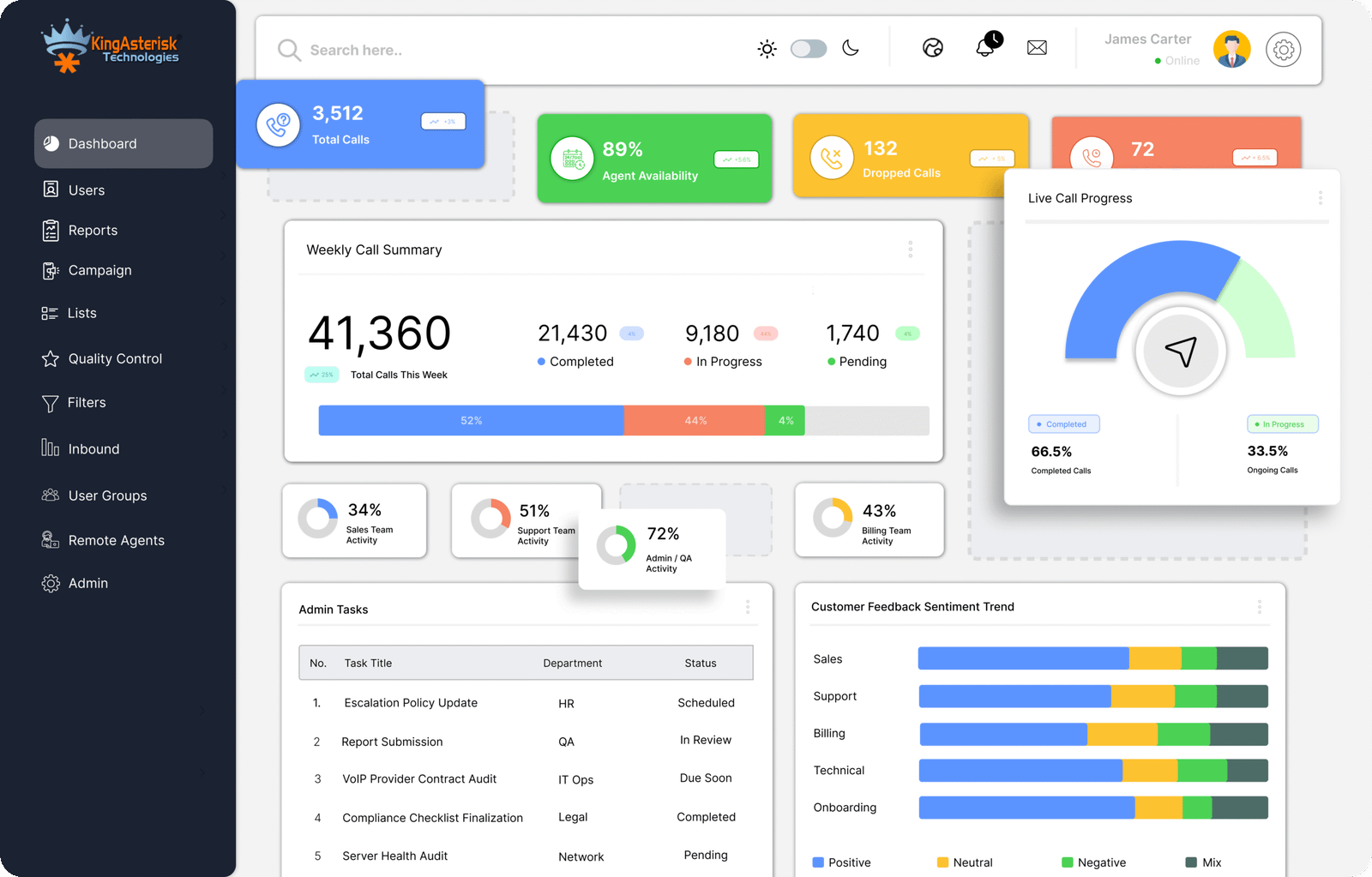
Already running VICIdial for your daily operations? You may not need to replace your existing setup just because the interface or workflow no longer fits your needs. KingAsterisk can customize your current VICIdial environment, from admin and agent screens to themes. We first understand what is working, what is causing difficulty, and what you want to improve before planning the customization. This lets you keep your existing VICIdial investment while making it more suitable for your team.
Not Every Contact Center Works the Same Way

Different Workflows
Every team has its own calling process, lead handling, and daily workflow.

Different User Needs
Admins, managers, and agents need different screens, controls, and information.

Different Business Goals
Your VICIdial setup should support your campaigns, CRM, reporting, and business requirements.
Our VICIdial Customization Process
Understand Your Requirements
Plan the Right Solution
Develop, Test & Refine
Deployment & Support
See What We Can Customize in VICIdial
Operational Workflow of VICIdial
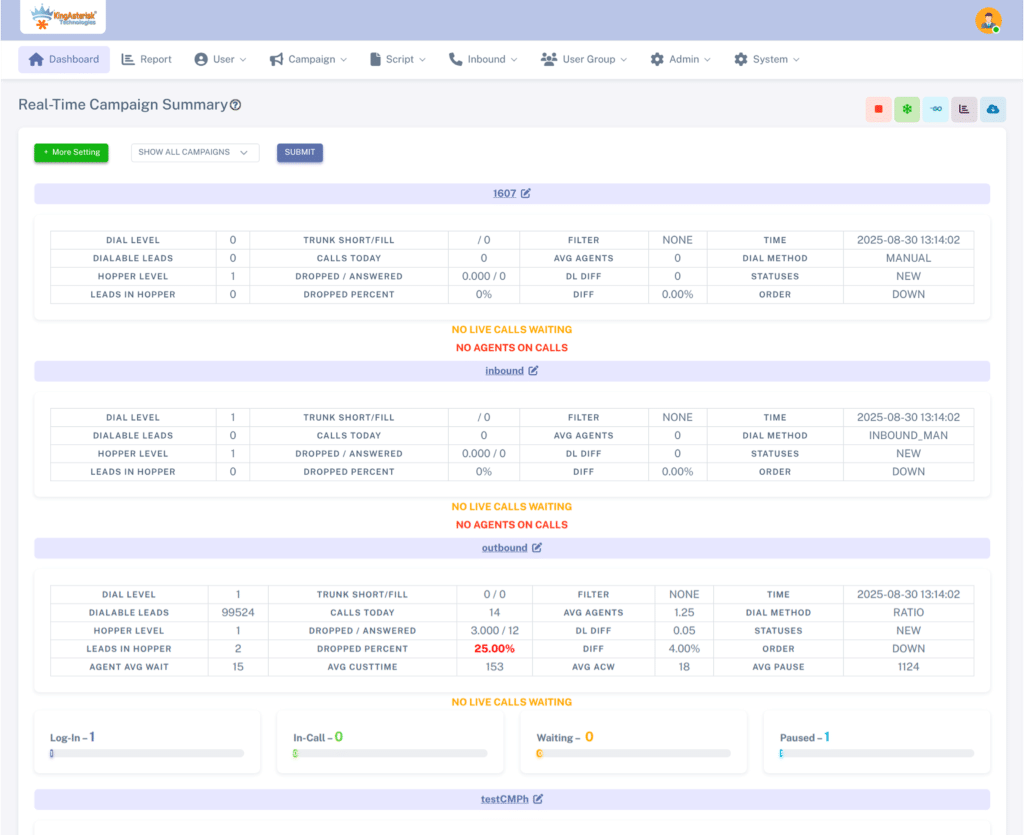
Its operational workflow begins with agents logging into a unified web-based interface, where they can manage calls, emails, and live chats. The system employs advanced automatic call distribution (ACD) to route incoming calls to the most suitable agents. For outbound campaigns, VICIdial offers predictive dialing, enabling agents to connect with customers. Real-time monitoring and reporting tools empower supervisors to oversee operations and make data-driven decisions. VICIdial adapts to the evolving needs of modern contact centers.
Frequently Asked Questions About VICIdial Customization
How do you customize my Vicidial Setup ?
1. Can you customize my existing VICIdial setup?
Yes, we can customize your existing VICIdial without requiring you to replace your current setup. We can work on themes, agent screens, admin interfaces, workflows, reports, and other requirements.
2. Can you customize the VICIdial Admin and Agent interfaces?
Yes, we can customize both Admin and Agent interfaces based on your workflow and usability requirements. This can include dashboards, menus, call controls, fields, layouts, and other interface elements.
3. Can you integrate VICIdial with my existing CRM?
Yes, we can integrate VICIdial with your existing CRM using the required APIs and data workflows. The integration can be planned around your lead management, customer data, calling, and reporting requirements.
4. Can you develop a custom VICIdial theme?
Yes, we provide custom VICIdial theme development based on your branding, layout, and functional requirements. For SVN-based development, we review the applicable VICIdial and ViciBox versions before starting the work.
5. What information do you need before starting VICIdial customization?
We first need to understand your existing setup, requirements, VICIdial/ViciBox version, and the changes you want. After reviewing the requirements, we can suggest the customization approach, timeline, and development scope.