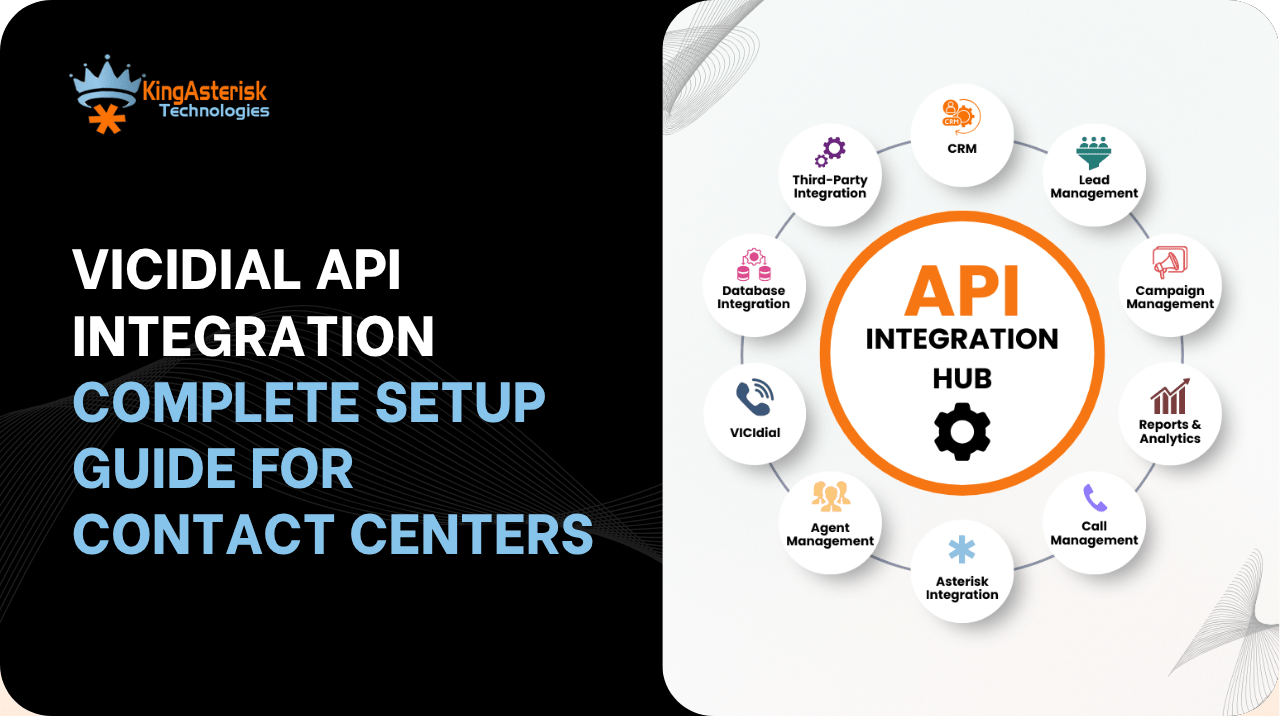
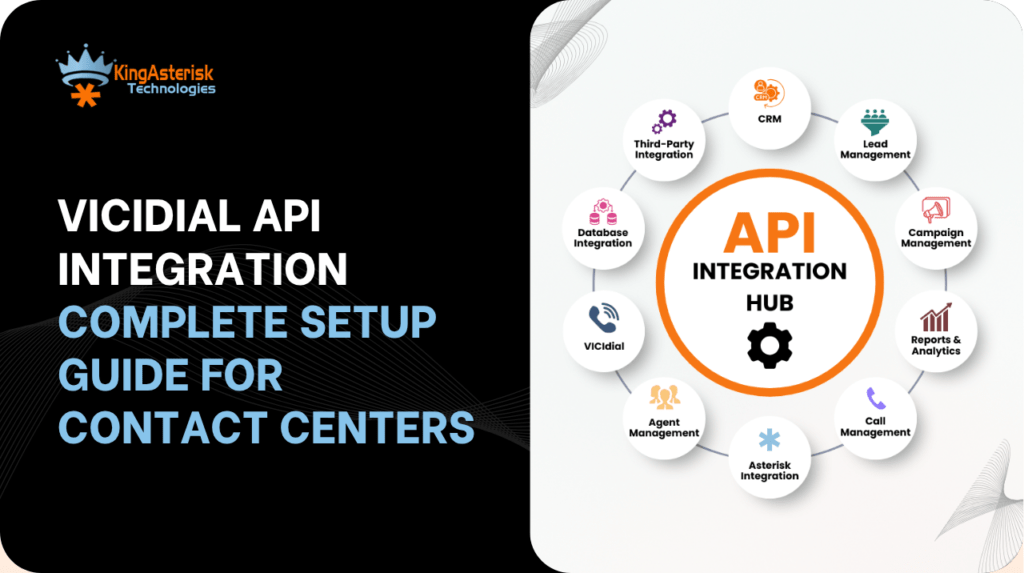
VICIdial API integration is the process of connecting VICIdial’s dialer engine to external applications – CRMs, ticketing platforms, IVR flows, and reporting tools – through secure REST API endpoints rather than direct database access.
Many contact center teams know they need this kind of integration but aren’t sure which API type to use, how the wrapper layer works, or where the source code fits into the picture. By the end, you’ll know how to plan the setup from first principles, not guesswork.
Understanding VICIdial API Documentation
VICIdial API documentation is typically organized by functional categories rather than by endpoint alphabetically – lead management, campaign configuration, agent status, call history, and system monitoring each get their own section. Before writing any integration code, map out which category your project actually touches.
A CRM screen-pop project, for example, only needs the call and lead endpoints; it has no reason to touch cluster or server status calls. Reading the documentation this way saves hours of unnecessary exploration.
Reading Endpoints the Right Way
Most VICIdial API integration examples you’ll find online demonstrate a single call in isolation – fetch a lead, update a disposition. Real integrations chain several calls together: a lead lookup, a status check, then a write-back. Treat each documented endpoint as one link in a longer chain, and plan the chain before you plan the code.
Protocol & Data Standards
| Item | Standard |
|---|---|
| Protocol | HTTPS only, TLS 1.2+ |
| Data Format | JSON, UTF-8 |
| Date Format | ISO 8601 (e.g. 2026-07-15T12:35:20Z) |
| Phone Number Format | E.164 (e.g. +18005551234) |
| Authentication | Bearer Token on every request |
Every request and response follows a consistent envelope, which is what makes the API predictable for CRM and lead-vendor developers integrating for the first time.
Agent API vs. Non-Agent API
This distinction trips up a lot of teams early on.
VICIdial Agent Login API
The agent login API tracks and manages an individual agent’s session state – login, pause, wrap-up, logout. It’s built for real-time agent-facing tools: softphone panels, custom agent dashboards, or supervisor monitoring screens that need to reflect what one specific agent is doing right now.
VICIdial Non-Agent API
The VICIdial non agent API operates independently of any logged-in agent session. It’s the layer used for background and administrative work: importing leads in bulk, pulling campaign statistics, checking DNC status, or syncing reporting data on a schedule.
VICIdial non agent API documentation usually separates these calls specifically because they don’t require an active agent context, which makes them ideal for nightly batch jobs and external reporting systems. Mixing the two – for instance, trying to run bulk lead updates through an agent-session-bound call – is the single most common integration mistake we see.
Important Note
We provide end-to-end VICIdial API integration for lead, campaign, list, agent, call, inbound, DNC, voicemail, reporting, and webhook management. Our integrations also support administration, security, and telephony infrastructure monitoring to ensure seamless system operation. With 102 API endpoints, we deliver comprehensive connectivity across the entire VICIdial ecosystem.
Core VICIdial API Categories for Contact Centers
A complete integration spec organizes endpoints by function. Based on a real 102-endpoint VICIdial integration build, here’s how the categories typically break down.
Lead Management APIs
These handle the flow of leads into and out of VICIdial – importing from a CRM or lead vendor, checking status, and bulk updates. The Lead Import API (POST /api/v1/leads) is the most-used endpoint in almost every integration, since it’s the entry point for outbound dialing data.
Campaign, List, and Reporting APIs
Endpoints here expose campaign configuration, list inventory, and statistics – the data a client-facing dashboard or account manager needs without direct database access.
Agent Management APIs
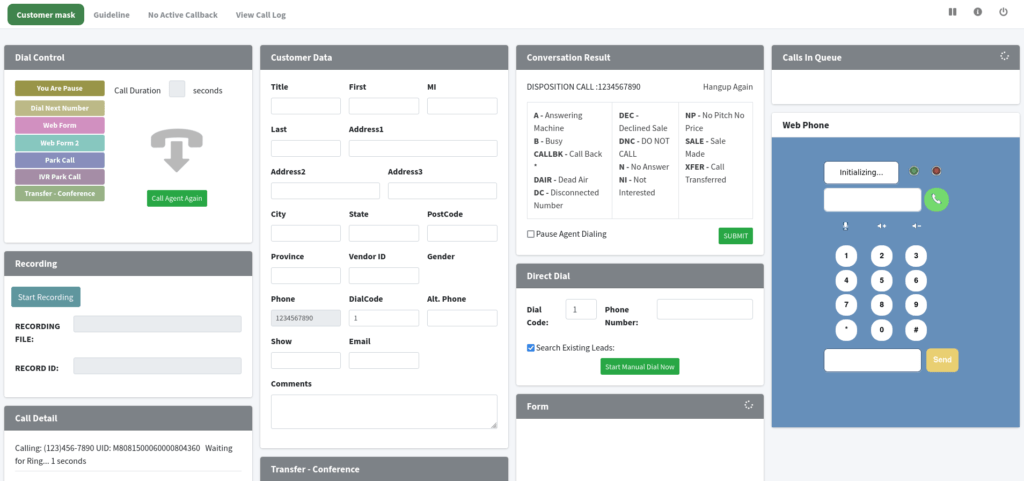
This is where the VICIdial agent login API and related endpoints live – agent list, agent details, live agent status, performance metrics, skills, and login status. These power real-time agent monitoring dashboards and workforce management tools.
Call Management and Real-Time Control APIs
Call history, live calls, recordings, disposition and notes, plus real-time actions: originate, hangup, transfer, hold, mute, conference, whisper, and barge. These map directly onto Asterisk AMI actions under the hood.
Inbound, DNC, and Voicemail APIs
DID lists, inbound groups, callback management, and DNC (Do Not Call) lookups – critical for TCPA compliance in outbound campaigns.
System, Infrastructure, and AI Services APIs
Server and cluster status, database health, queue statistics, and (in more advanced builds) AI-driven call sentiment, keyword detection, auto-QA, and sales opportunity scoring.
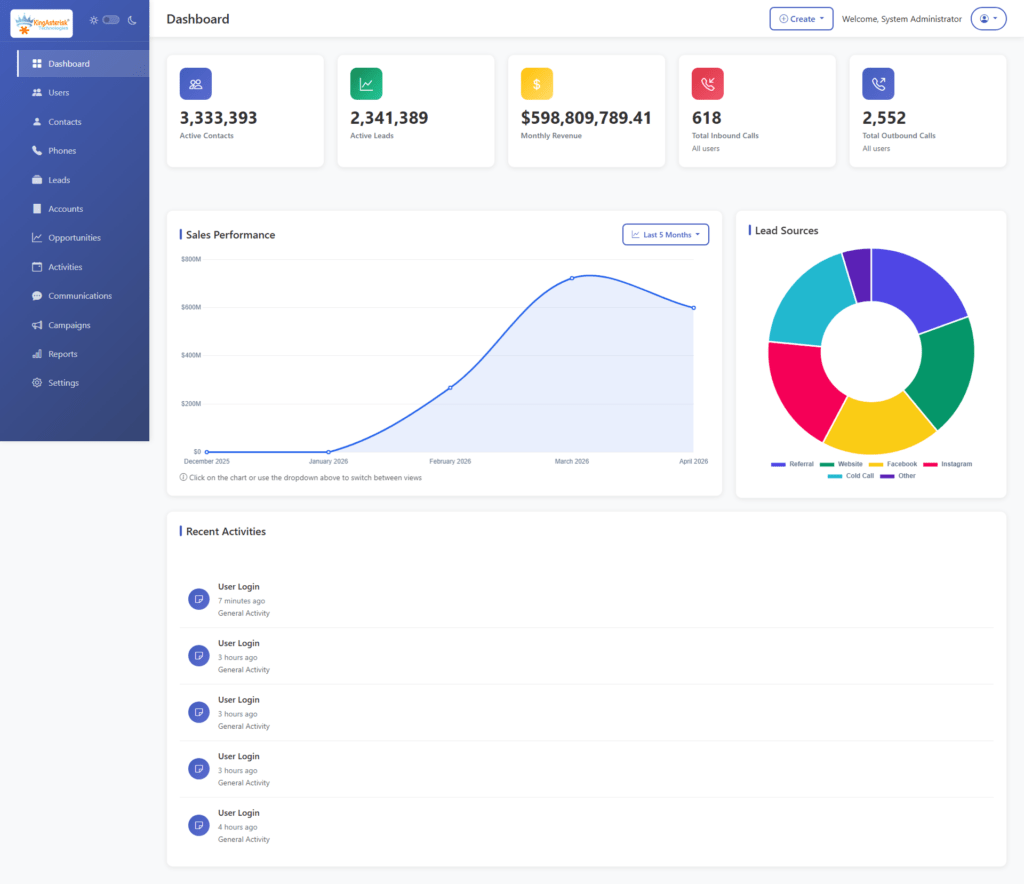
A Real-World Integration Example
A 100-agent contact center migrating from a legacy dialer to VICIdial needed its proprietary CRM to pop the full customer record the moment a call connected. The build used the non-agent API for the overnight lead import from the CRM into VICIdial’s lists, and a lightweight listener on the call and lead endpoints to trigger the screen-pop in under a second after connect. Disposition data then flowed back through the same non-agent layer, keeping the CRM as the single source of truth without duplicating agent login logic.
Building a VICIdial API Wrapper
Calling raw endpoints directly across a large codebase gets messy fast – every developer ends up re-writing authentication headers and error handling. A VICIdial API wrapper solves this by centralizing token handling, retry logic, and response parsing behind a small set of internal functions your team actually calls. For most contact centers, a wrapper covering lead, call, and campaign endpoints handles 80% of integration needs and can be built and tested in under two weeks by a small development team.
Common Headers and Request/Response Structure
Every VICIdial API integration example follows the same request shape. Here’s the standard structure used across the specification:
Standard Request Envelope
json
{
    "requestId": "REQ-100001",
    "timestamp": "2026-07-15T11:00:00Z",
    "data": {}
}
Standard Success Response
json
{
    "success": true,
    "code": 200,
    "message": "Request Completed Successfully",
    "timestamp": "2026-07-15T11:05:10Z",
    "requestId": "REQ-100001",
    "data": {}
}Standard Error Response
json
{
    "success": false,
    "code": 422,
    "message": "Validation Failed",
    "timestamp": "2026-07-15T11:05:10Z",
    "requestId": "REQ-100001",
    "errors": [
        {
            "field": "phoneNumber",
            "message": "Phone Number is required."
        }
    ]
}Required headers on every call: Authorization (Bearer token), Content-Type: application/json, and Accept: application/json.
Optional headers like X-Correlation-ID and X-Client-ID help trace requests across systems during debugging – invaluable once you have more than one CRM hitting the same dialer.
VICIdial Download and Source Code Basics
Before any integration work begins, it’s worth confirming which version you’re running. A VICIdial download from the official project gives you the base dialer, while the VICIDIAL source code repository lets you inspect exactly how agent sessions, campaigns, and the underlying database schema are structured – invaluable when an API response doesn’t match what the documentation describes. Reviewing the relevant source files ahead of a migration project avoids version-mismatch surprises once agents go live.
Frequently Asked Questions
It connects VICIdial to external CRMs, IVR platforms, and reporting tools so data – leads, dispositions, agent status, call records – flows automatically between systems instead of requiring manual entry or direct database access.
The agent API manages a specific logged-in agent’s real-time session state. The non-agent API handles background tasks like bulk lead imports and reporting that don’t need an active agent context.
Not always. A single-endpoint integration may not need one. But any project touching more than two or three endpoint categories benefits from a wrapper’s centralized authentication and error handling.
It’s available through the official open-source VICIdial project repository. Reviewing it alongside the API documentation helps confirm your installed version’s behavior before building an integration.
A focused project like a CRM screen-pop can take one to two weeks with a wrapper in place. Larger migrations involving reporting, IVR, and multi-campaign sync typically run four to eight weeks.
Conclusion
Getting VICIdial API integration right comes down to picking the correct endpoint category for the job, wrapping those calls in a maintainable layer, and validating everything against the actual source code your instance runs on.
Agent APIs handle live session states; non-agent APIs handle everything else. Get that split right, build a wrapper early, and most integration projects – from a single CRM screen-pop to a full multi-campaign migration – stay predictable from start to finish.
2If you’re planning this kind of build for your contact center, our engineering team at KingAsterisk can walk through your setup and scope the work – contact us to get started.