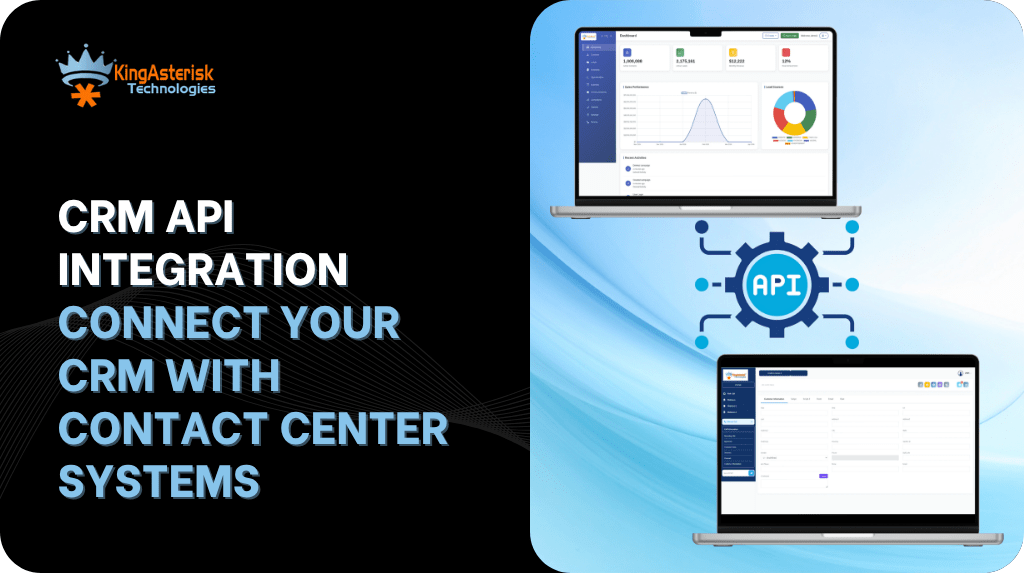
CRM API integration is the method that lets your contact center platform exchange data automatically with a CRM system, so agents see caller history, open tickets, and account notes the moment a call connects, without anyone copying information between two screens.
This article covers what a CRM API integration actually does, the stages involved in setting one up, a real deployment example, the tools worth connecting, and where CRM is headed as automation matures. By the end, you will know what to consider before starting a CRM API integration project and which common mapping mistakes can delay deployment.
What CRM API integration actually does
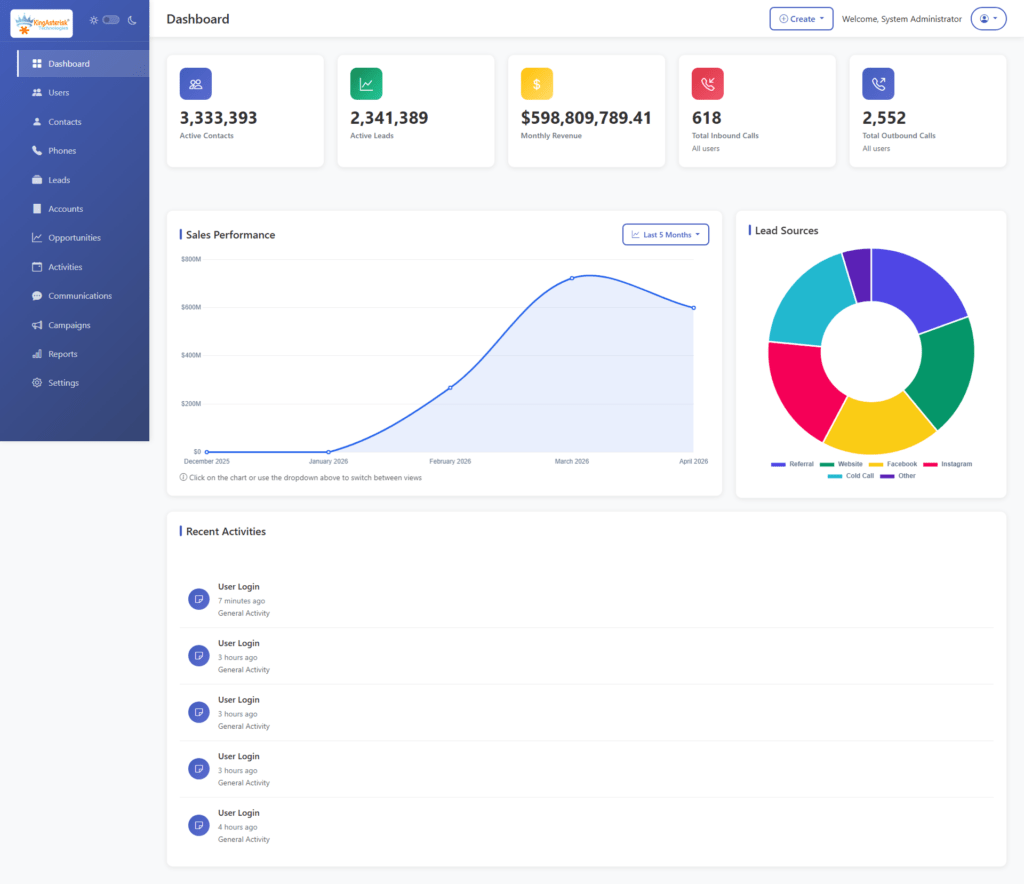
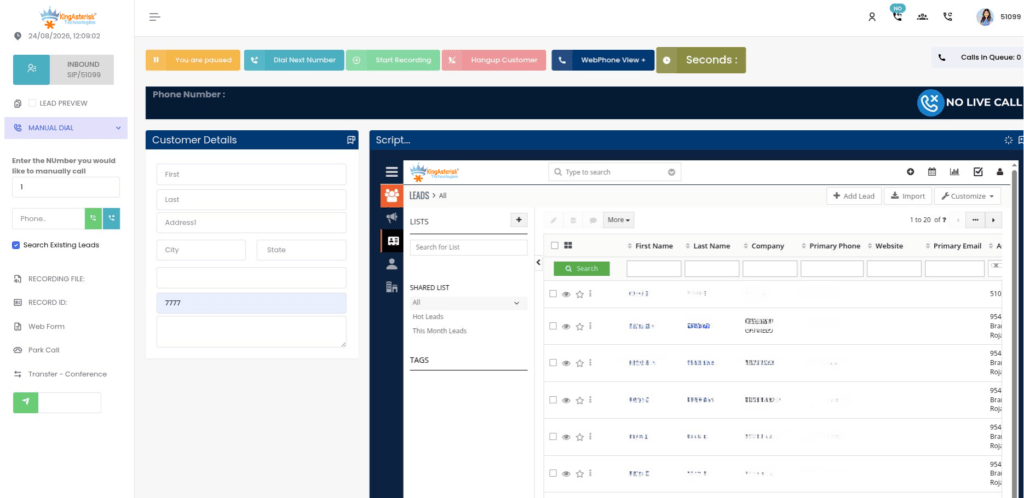
An API is a set of rules that lets two separate pieces of software talk to each other. CRM API integration applies that idea to your contact center stack: your dialer or agent desktop sends and receives data from the CRM in real time, instead of an agent typing notes into two systems after every interaction. When a call connects, the integration pulls the caller’s record and displays it on the agent’s screen.
When the call ends, the disposition, notes, and any new lead status get written back to the CRM automatically. Done correctly, CRM API integration removes the double entry that slows agents down and introduces typos into customer records.
The five stages of CRM API integration
Most CRM API integration projects move through the same five stages, whether the CRM is a custom-built system.
Stage 1: Mapping your data fields
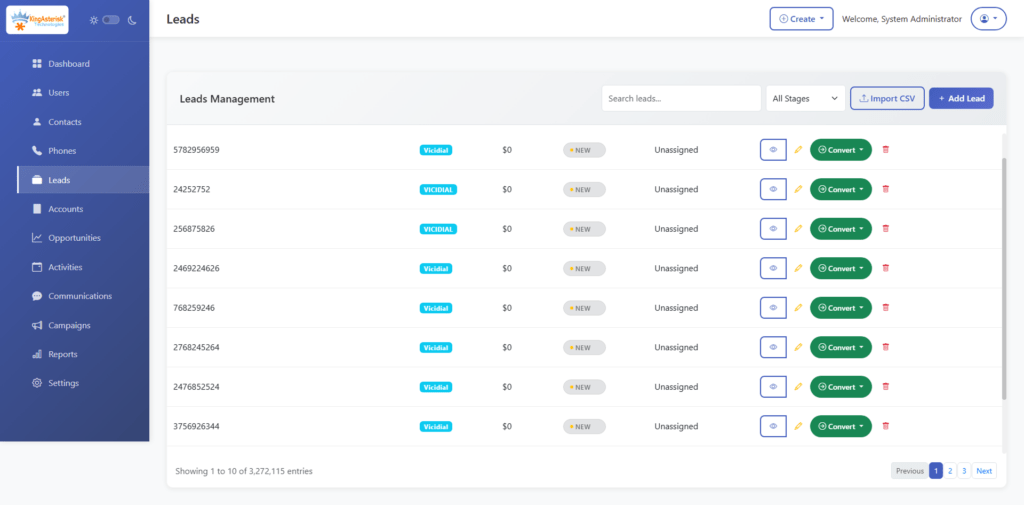
Before any code gets written, someone needs to decide which fields matter. Lead status, phone number, agent ID, call outcome, and timestamp are common candidates. Skipping this step is the single most common reason integrations need to be rebuilt later.
Stage 2: Setting up authentication
The CRM and the contact center platform need a secure way to identify each other, usually through API keys or OAuth tokens. This stage also sets the permission scope, so the integration can only touch the data it actually needs.
Stage 3: Building the connection logic
This is where the actual code runs: request and response formatting, error handling, and retry logic for when a call to the CRM times out. Webhooks are often used here so the CRM updates the moment an event happens, rather than on a delay.
Stage 4: Testing with real call flows
Sample data rarely catches everything. Testing with an actual campaign, including edge cases like a dropped call or a duplicate lead, shows whether the field mapping and error handling hold up under real conditions.
Stage 5: Deployment and monitoring
Once live, the integration needs monitoring for failed syncs, rate limit warnings, and data mismatches. A dashboard or alert system catches problems before an agent notices the CRM record is missing information.
API vs CRM: what is the actual difference
This question comes up constantly, and the answer is simpler than it sounds. A CRM is the system of record: it stores customer information, deal history, and support tickets. An API is not a system at all. It is the bridge that lets other software, such as a dialer, a website form, or an accounting tool, read from or write to that CRM without a human copying data by hand.
You do not choose between an API and a CRM. You use an API to connect your CRM to everything else.
CRM API integration example: syncing calls and lead data
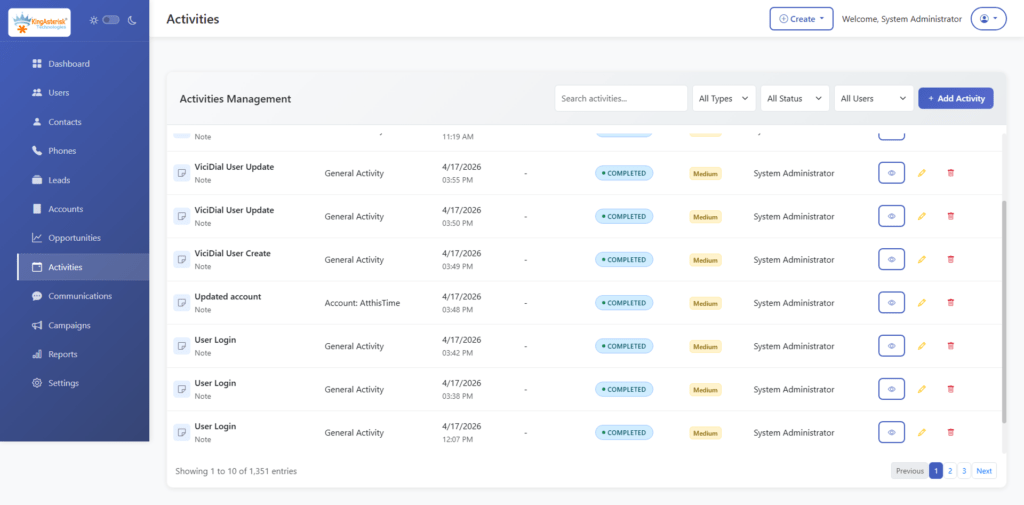
A mid-sized outbound sales team running campaigns through VICIdial had agents manually updating Salesforce after every call, which took roughly 45 seconds per interaction and led to inconsistent lead statuses across the team. Once CRM API integration was set up, the flow changed: when an agent selected a call disposition inside VICIdial, a webhook fired immediately to Salesforce, updating the lead status, logging the call outcome, and creating a follow-up task if the disposition indicated interest.
Agents no longer switched screens, supervisors could see accurate lead statuses in real time, and the team recovered close to four hours of agent time per day across a twenty-agent floor.
Features, such as lead scoring or suggested next actions, are being added inside CRM platforms rather than replacing them. The CRM still functions as the system of record: names, phone numbers, deal stages, and interaction history need to live somewhere structured, and that role has not gone away.
What good CRM API documentation should include
Weak documentation is the top reason contact center integration projects run over schedule. Solid CRM API documentation should include:
- A clear authentication method with example requests
- A full list of available endpoints, with expected inputs and outputs
- Sample payloads for common actions like creating a lead or updating a call disposition
- Rate limits and what happens when they are exceeded
- Error codes with plain, readable explanations instead of numeric codes alone
- A changelog so integration teams know when something has changed
If a CRM’s documentation is missing more than one or two of these, budget extra time for the integration, or plan on direct contact with the CRM vendor’s support team.
Frequently Asked Questions
Most CRM API integration projects follow five stages: mapping the data fields that need to sync, setting up authentication between the two systems, building the connection logic and webhook handling, testing against real call flows and edge cases, then deploying with ongoing monitoring for failed syncs or data mismatches. Skipping the mapping or testing stage is the most common cause of integration failures.
No. Recent tech features are being built into CRM platforms to automate scoring, suggest actions, and flag patterns, but the CRM still holds the structured record of customer data that those features depend on. What is changing is how much manual entry gets removed through better CRM API integration, not whether a CRM is needed at all.
A CRM is the software that stores customer records, deal history, and support tickets. An API is the connection method that lets other systems, such as a dialer or a website form, read from or write to that CRM without manual entry. You need an API to connect a CRM to your contact center platform; the two serve different purposes entirely.
A common example is an outbound dialer that pushes call dispositions straight into a CRM through a webhook. When an agent finishes a call in VICIdial, the outcome, notes, and any new lead status post within seconds, and a follow-up task gets created automatically if the disposition calls for one.
Conclusion
CRM API integration removes the manual work that slows contact center teams down: no more retyping notes, no more mismatched lead statuses between two systems. The process follows five clear stages, works with any major CRM, and depends heavily on how well the CRM’s API documentation is written.
If your team is running VICIdial or an Asterisk-based platform and still updating a CRM by hand, get in touch with our engineering team at KingAsterisk to talk through what a working CRM API integration would look like for your setup.