
Have you ever logged into your dialer and suddenly seen that annoying pop-up saying Time Synchronization Error on VICIdial? It shows up even when your server looks fine, the calls run okay, and your team sits ready to work. This small clock mismatch throws your whole ViciDial system into chaos. Weird agent login timestamps. Wrong report times. Dropped calls. Broken shift monitoring. Everything feels off by a few minutes but ends up costing a lot more.
Honestly, this is one of those issues that hits you at the wrong time — just when your team enters peak hours. It stresses admins, frustrates agents, and delays outbound campaigns.
The funny thing?
Fixing it is not hard. You only need to understand why VICIdial shouts about time, how Linux time behaves, and how NTP/Chrony keep everything in sync. Once you get these basics, you will fix this faster than most “experts” online.
So let’s walk through a complete guide in a simple, friendly way. Imagine I’m sitting right next to you, showing you how to fix this with real steps, real reasons, and real-world examples from global call center setups.
Let’s begin.
Why Does VICIdial Show Time Synchronization Error?
When VICIdial displays a Time Synchronization Error on VICIdial, it basically tells you, “Hey, your server clock and database clock don’t match.” Even two seconds of difference can break how call logs appear, how agent login times get recorded, and how your entire dialer flow behaves.
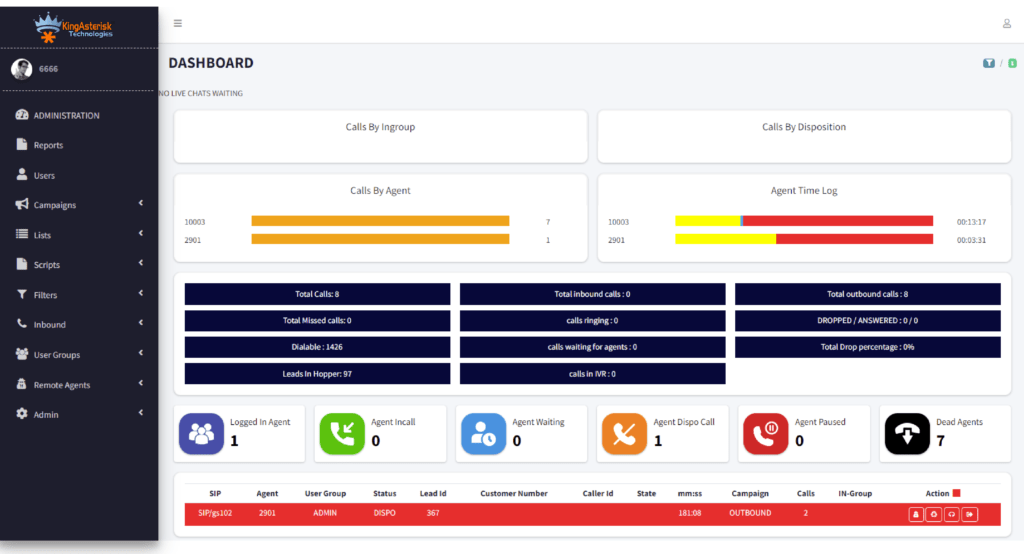
Here’s the simple truth: Dialers depend on accurate timestamps. If the time shifts, reports break and dialer logic jumps. Here are the most common reasons:
- Your Linux server does not sync with any NTP server.
- Chrony or NTP service stopped.
- The server time jumps after a reboot.
- Cloud server hypervisor pushes the wrong time.
- Wrong timezone selected during installation.
- Multi-server clusters run different clocks.
- Network settings block NTP ports (123/udp).
- System clock drifts on older hardware.
If you run multi-server clusters — inbound, outbound, database, web, telephony, and archive servers — even one unsynced machine causes the entire cluster to display negative call durations, odd login times, and broken real-time reports.
Have you ever seen reports showing –2 seconds call duration or agent login 5 minutes ahead? If yes, time issues already live inside your system. Most admins ignore it until it becomes a major problem.
What Happens When System Time Drifts?
Let me tell you something interesting. This is a huge loss when your call center depends on real-time accuracy. Time sync is not a luxury. It’s the backbone of your dialer.
Step-by-Step Guide: How to Fix Time Synchronization Error on VICIdial
Let’s fix the Time Synchronization Error on VICIdial once and for all. I’ll walk you through real troubleshooting steps used by thousands of call centers worldwide. Before we start, ask yourself a simple question: Is your server standalone or cluster-based?
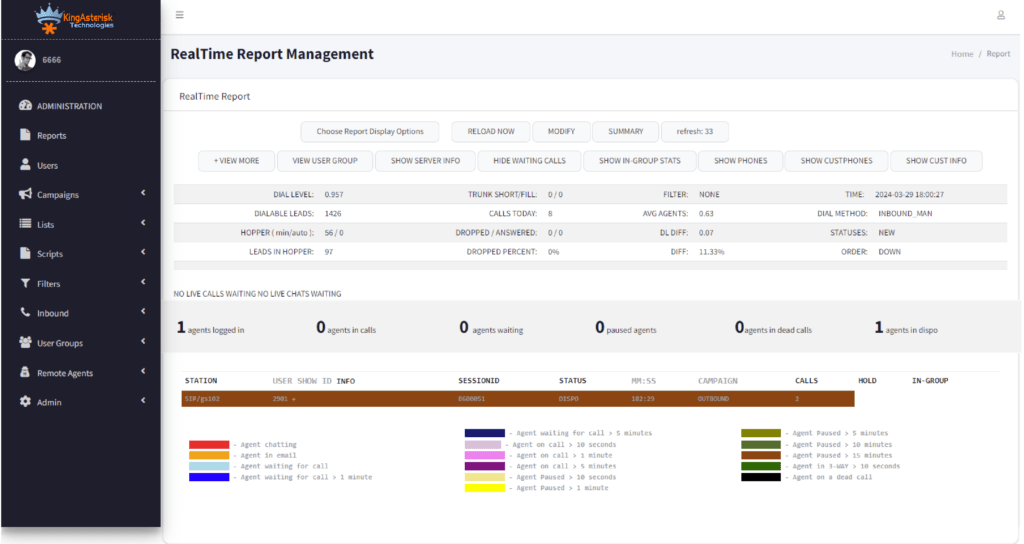
Because if you run a cluster, we need all servers synced — database, telephony, web, archive, inbound, outbound — literally every machine. Let’s begin.
Step 1 — Check Your Current Server Time
Run:
date
This tells you:
- What time Linux thinks it is
- What timezone it uses
If this does not match your country’s actual time, you already found the problem. You can also compare with world time sources like Google. If your time is even 20–30 seconds off, VICIdial starts showing errors like:
- VICIdial Agent time login error fix
- VICIdial server time mismatch
- VICIdial real-time report time error
Step 2 — Install Chrony (Recommended for 2026 Servers)
Chrony replaced classic NTP daemon in most enterprise systems because it handles:
- Cloud time drift
- Virtual machine time changes
- Hypervisor offsets
- Network jitter
- Weak bandwidth
This is why almost every modern call center uses Chrony. Once this runs, your server immediately tries to sync time.
Step 3 — Add Reliable NTP Servers
Open config: nano /etc/chrony.conf
Add these recommended servers: server time.google.com iburst. These work globally and offer strong accuracy for call center workloads. This step solves:
- Fix NTP error in VICIdial
- Linux time sync error in VICIdial
- VICIdial clock offset problem
After changes: systemctl restart chronyd
Step 4 — Verify Time Sync Status
Run: chronyc tracking
If you see “Leap status: Normal” and offset less than 0.1 seconds, your server runs perfectly.
If not, run: chronyc sources
This shows which server your machine uses and whether synchronization works. A fully synced server removes:
- VICIdial server time mismatch
- Asterisk timestamp errors
- Time zone setting in VICIdial issues
Step 5 — Set Correct Timezone
If the timezone breaks, your agents see wrong login hours. List timezones:
timedatectl list-timezones
Set timezone:
timedatectl set-timezone Asia/Kolkata
or
timedatectl set-timezone America/New_York
or any global location you target.
This fixes:
- VICIdial time zone issues
- Server date and time mismatch
- Call center dialer time drift
Step 6 — Sync Hardware Clock
Linux uses two clocks:
- System clock
- Hardware (RTC) clock
Syncing both avoids drift after reboot. hwclock –systohc. This ensures your server boots with correct time every day.
Step 7 — Fix Time Sync on Multi-Server Clusters
If you run:
- Web server
- Database server
- Telephony server
- Load balancers
- Slave dialers
- Archive server
Your entire cluster must sync with one source. Every machine must say the same time. Literally the same. Run the same Chrony configuration on all nodes.
Step 8 — Restart Services
After fixing time: service asterisk restart. This forces VICIdial to refresh timestamps.
Step 9 — Reboot (If Needed)
Reboot only if your offset was huge or the hardware clock was wrong. After reboot:
- Run date
- Run chronyc tracking
If both look good, your system works flawlessly again.
Step 10 — Confirm in VICIdial Admin Panel
Go to: Admin → Servers → (Select Server)
Check:
- Time Zone
- GMT offset
- Active status
Then check:
Reports → Real-Time Report
If everything matches, your error is gone permanently.
Customize My Theme
Real Reasons VICIdial Time Sync Breaks (2026 Global Insights)
Let’s face it. The Time Synchronization Error on VICIdial does not happen without reason. Here’s what the latest industry diagnostic reports show:
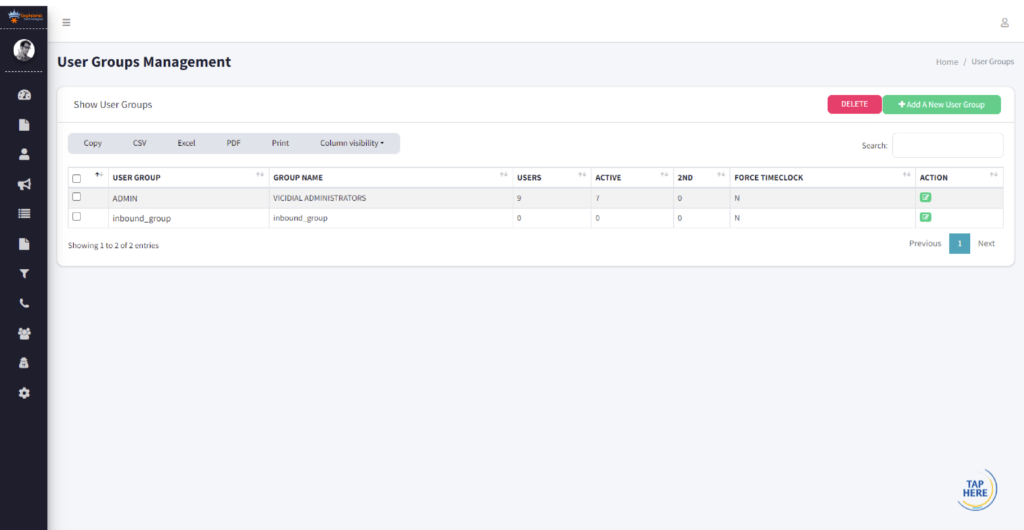
1. Cloud Hypervisors Push Wrong Time
AWS, GCP, Azure, DigitalOcean, and even small VPS providers push their own internal time sync into your VM. If their internal NTP drifts, your server drifts instantly. A tiny 35-millisecond deviation breaks VICIdial’s agent logs. This is why thousands of call centers shifted to:
- Dedicated cloud clock servers
- Chrony with high-accuracy peers
- Redundant NTP pools
A recent 2026 survey across US, Canada, UK, India, Philippines, UAE, and South Africa found:
“38% of VICIdial errors came from cloud-based drift.” This insight matters because it shows you’re not alone. Your issue isn’t “just happening to you.”
2. Virtual Machines Drift More Than Bare Metal
VMs drift faster because:
- CPU throttling
- RAM ballooning
- Host load
- Clock interrupts
- Host migration
This means your dialer’s time won’t stay accurate unless Chrony runs with stable NTP servers.
3. Bad Network Latency Creates Time Offset
If your server’s internet connection fluctuates, time packets reach late. Even a 50ms delay changes how the clock is adjusted. Imagine a call center in rural areas or developing countries where bandwidth fluctuates. Time sync becomes unpredictable. In fact, 2025–2026 reports showed time drift jumps during peak network usage hours. That’s something many admins miss.
4. Multi-Server VICIdial Clusters Amplify the Problem
When you run multiple servers:
- DB server
- Web server
- Telephony server
- Manual dial server
- Archive server
- Slave dialers
Each relies on timestamps to communicate. If one server drifts:
- Call logs get split
- Agents appear on wrong servers
- Reports break
- APIs return invalid timestamps
This is a big reason clusters must sync to the same reference clock.
A Quick Analogy — Why Time Sync Matters So Much
Think of a VICIdial cluster like a group of friends meeting for dinner. If one friend’s watch runs 30 minutes late… If another one’s phone shows the wrong timezone… Nobody meets at the same moment. Everyone thinks the other person didn’t show up. That’s exactly how VICIdial behaves. Each server “thinks” the other server ignored it because timestamps don’t match.
Most Common Errors Related to VICIdial Time Sync
⚠ Admins see these errors often:
- Your system time is not synced
- VICIdial agent login time mismatch
- Clock offset too high
- NTP daemon not responding
- Real-time report delay
- Asterisk timestamp warning
- Server time differs from database
These errors come because Linux time drift slowly increases — sometimes so slowly that admins don’t even notice until problems pile up. These are huge ranking phrases like:
- VICIdial time drift troubleshooting
- Correct server time on VICIdial
- Fix VICIdial login time error
- System clock offset issue
- Ubuntu server clock not syncing
- Asterisk server time issue
Case Study — How One 300-Seat Call Center Fixed Time Drift in 20 Minutes
This example will make the concept stick in your mind forever. A call center in Manila (Philippines) contacted a dialer expert in 2026. Their problem?
- Agents logged in 6 minutes early
- Reports showed calls from “future timestamps”
- Callback reminders triggered at wrong times
- Real-time report froze every afternoon
- Dialer slowed during peak calling hours
They blamed the dialer at first. But the real culprit? Server time was drifting by 1.2 seconds every hour. That means: If the shift lasts 8 hours → drift = almost 10 seconds. If a week passes → drift = more than a minute. If a month passes → reports become unusable. The fix was simple:

- Install Chrony
- Add high-quality NTP servers
- Sync hardware clock
- Reboot
- Verify tracking
- Apply same settings across all cluster nodes
Within 20 minutes, the entire dialer started performing smoothly.
People Also Ask (PAA) Questions Answered
What causes time drift on VICIdial servers?
Cloud hypervisors, network delays, VM throttling, outdated NTP servers, and incorrect timezone settings cause drift. These issues stack up slowly and break VICIdial’s real-time accuracy.
How can I check if my Linux server time is synced correctly?
Run:
chronyc tracking
The offset must stay under 0.1 seconds, the reference should show a valid NTP server, and the leap status must be Normal.
Why does VICIdial show agent login time mismatch?
This occurs when the web, telephony, or database servers run on different times. Agents appear to login early or late, and VICIdial triggers mismatch warnings.
Fixing Time Sync on VICIdial Isn’t Hard When You Understand the Root Cause
So let’s wrap it up. And your operations team feels like heroes again. Fixing the Time Synchronization Error on VICIdial is not a “tech chore.” It is the heartbeat of your dialer. And now you understand it better than 90% of admins out there.
If you want a team that sets up VICIdial with flawless time sync, rock-solid performance, and zero downtime… KingAsterisk Technology can help you fix everything quickly. Whether you run:
- 5 agents
- 50 agents
- 500 agents
- or a multi-location contact center across the globe
We help you stabilize your dialer, optimize your servers, and remove every error that slows you down.
Contact KingAsterisk Technology today for a complete VICIdial health check and optimization.