



A private branch exchange (PBX) is a business-grade telephone system.
This is a workplace telephone system that allows businesses to switch calls between users on local lines as well as offering access to external phone lines.
These types of systems offer the added functionality businesses need, such as the ability to offer employee extensions, and they provide automated attendants that answer and route calls to the proper people or departments. A PBX uses various communication channels, such as Voice over Internet Protocol (VoIP) and Integrated Services Digital Network (ISDN).
Types of PBX systems provided by Kingasterisk Technologies:
There are currently 4 dominant types of private branch exchange (PBX) telephone systems used by modern businesses depending on the size and requirements. We’ll take a look at these systems and which will work best for you.
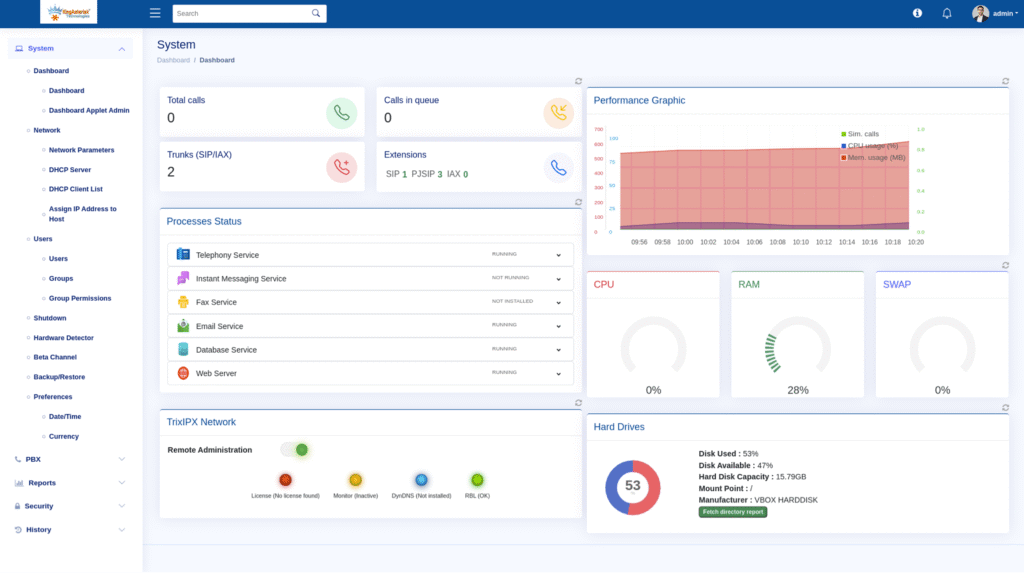
Analogue (or Traditional) PBX System
The traditional analogue system connects callers through multiple phone lines; however, it uses the traditional landlines – such as copper wire – for these connections.
The analogue system is best suited to businesses in remote areas where internet connections are not necessarily reliable. These are a standard PBX system which offers reliable, good voice quality, but are not the first choice for businesses looking to expand and grow.
Traditional PBX provides a very basic, physical telephony service for a workforce. This phone service would allow for incoming and outgoing calls, plus calls between staff members.
Business leaders would have to pay expensive upfront costs for new equipment and hardware, as well as telephony experts to wire everything in correctly.
You’d also need a specialized room in your office to house all the gear, and if you needed to expand, that meant putting your business on hold, getting the experts in, and transferring everything to a bigger room. Yeah. There’s a reason why traditional PBX isn’t a popular business choice anymore.
On-site VoIP PBX System
The next step up in PBX system is the Voice IP (VoIP) which uses internet connections rather than traditional copper wire landlines.
These on-site systems use your businesses’ internal network to deliver enhanced call stability, improved sound quality and many more applications than the older models.
These features or applications include:
- Voicemail to email
- Mobility integration
- Video calling
- Caller ID and call waiting
- Call-back options
- Auto attendant
Although the initial installation costs may be more than an analogue PBX system, the cost savings more than make up for it in the long run. In fact, the business VoIP can save businesses up to 50 percent on the average phone bill. The VoIP is also much easier to maintain than traditional PBX and is only limited by the bandwidth space.
PBX SIP Trunking
SIP trunking allows you to convert an existing landline PBX to a cloud-based phone system, lowering costs and expanding available features. These include tools like softphone apps and reporting analytics.
Trunking being a collection of phone lines–is a modern PBX solution to older types of phone systems, some which may use a landline.
With SIP (Session Initiation Protocol) trunking, if your office/workspace already has a box, you can connect it to the internet–via SIP trunking.
- Advantages of SIP Trunking:
- Lower costs for calling
- Increased flexibility
- Disadvantage of SIP Trunking:
- Relying on internet PBX service can be problematic at times
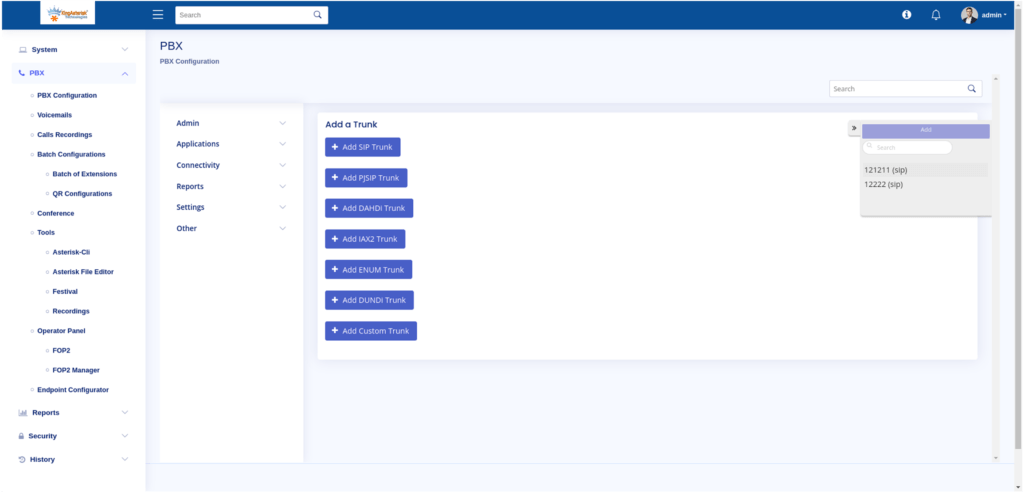
Features of a PBX System
PBX features are what differentiate business phone systems from mobile apps or home phones. Here are some of the more valuable features.
Voicemail-to-Email
In addition to traditional voicemail service, many PBX systems offer voicemail-to-email, which provides phone system users an audio file or transcript of the message left on their phone.
Auto-attendant
An automated attendant gives callers the option of pressing a specific number so their call is directed to the right person or department.
For example, the attendant may say, “Press 1 for sales,” or “Press 2 for customer support.” On-hold music: Rather than letting customers or clients wait in silence while they are on hold, PBX systems provide businesses with the option to play hold music. Some systems play preselected music or custom music selected by the business.
Paging
If an employee wants to send a message to the entire team, they can use the paging system to record a message via their telephone. The message can then be broadcast through a system of speakers to all employees, or sent to a select group of employee phones. Presence: This feature allows employees to check whether their co-workers are available or on a call.
Call Reports
These reports break down your company’s call data. They include information on your business’s phone usage, which can be further detailed by user or department.
Online Management
This feature allows you to manage the phone system via an online portal. Administrators can add users, set phone numbers, review call reports, create ring groups, and see monthly statements. Employees log in to the portal to check their voicemail, view the company directory, and create call-forwarding routes.
Call Forwarding
This allows your office phone to forward calls to another number when you don’t answer.
Call Recording
This gives users the option to record their calls for playback at a later time.
Call Queues
You can manage calls that come in simultaneously by placing them in a queue until someone is available to speak with them.
Extension Dialing
Callers can plug in an employees’ extension to reach their direct line.
Ring Groups
This allows businesses to put employees with similar roles into one group, which is helpful when customers are trying to reach someone within a certain department. For example, if you allow callers to press two for sales, the call will be forwarded to the employees in that ring group.
Call Transfer
This option lets employees transfer calls to their co-workers.
How is hosted (cloud) PBX different from on-site PBX?
Hosted PBX typically runs in the cloud and doesn’t need any kind of physical hardware. This makes it easier and cheaper to grow. An on-site PBX is located at your office, which gives you more control but costs more to maintain.
Is it possible for a PBX system to work with CRM or business software?
Yes, modern PBX systems can work with CRM systems to show customer information during calls and make workflows easier. This makes agents more productive and makes the customer experience better.
Can a PBX system work without being connected to the internet?
You can use a traditional analog PBX with landlines without the internet, but VoIP and cloud PBX need a stable internet connection for voice and advanced features.
Conclusion
At Kingasterisk Technologies we assure you to provide the best suited PBX System for your business. We provide proper assistance and service on the PBX System further until the client achieves his/her goals and is totally satisfied.
Make your business or organization successful in a short time span. The Kingasterisk Technologies Provides your company with everything you need to upgrade your customer Experience.


